Feather
A CLI for debugging, inspecting, and manage packages for LÖVE games.
- Role
- Solo Dev
- Date
- 2025年8月
- Status
- Active development
- Built with
- TypeScript · Lua · React · Tauri · Rust
tool
Full case study
Feather is a CLI for debugging, inspecting, and manage packages for LÖVE games.
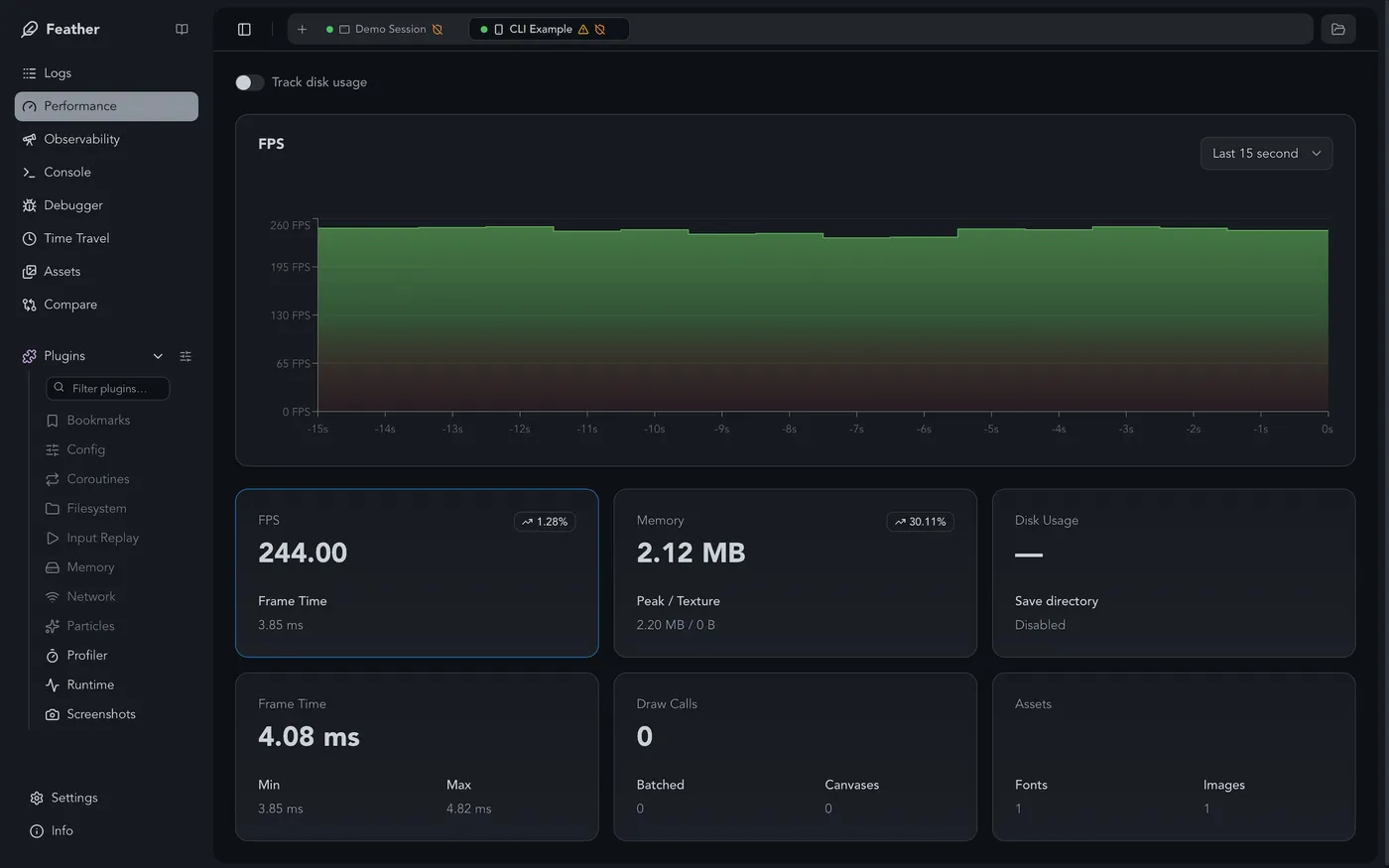
It gives you a live window into your running game (logs, variables, errors, performance) without touching your game’s release build. Inspired by LoveBird and Flipper.
Why I made it
The goal is to make the day-to-day loop of writing and testing a LÖVE game faster: less time adding print statements and restarting, more time actually building.
I wanted the kind of development tools i was used to having in other environments, but made specifically for the way LÖVE games work. It started from making my own workflow less annoying and slowly became a much bigger devtool.
What it does
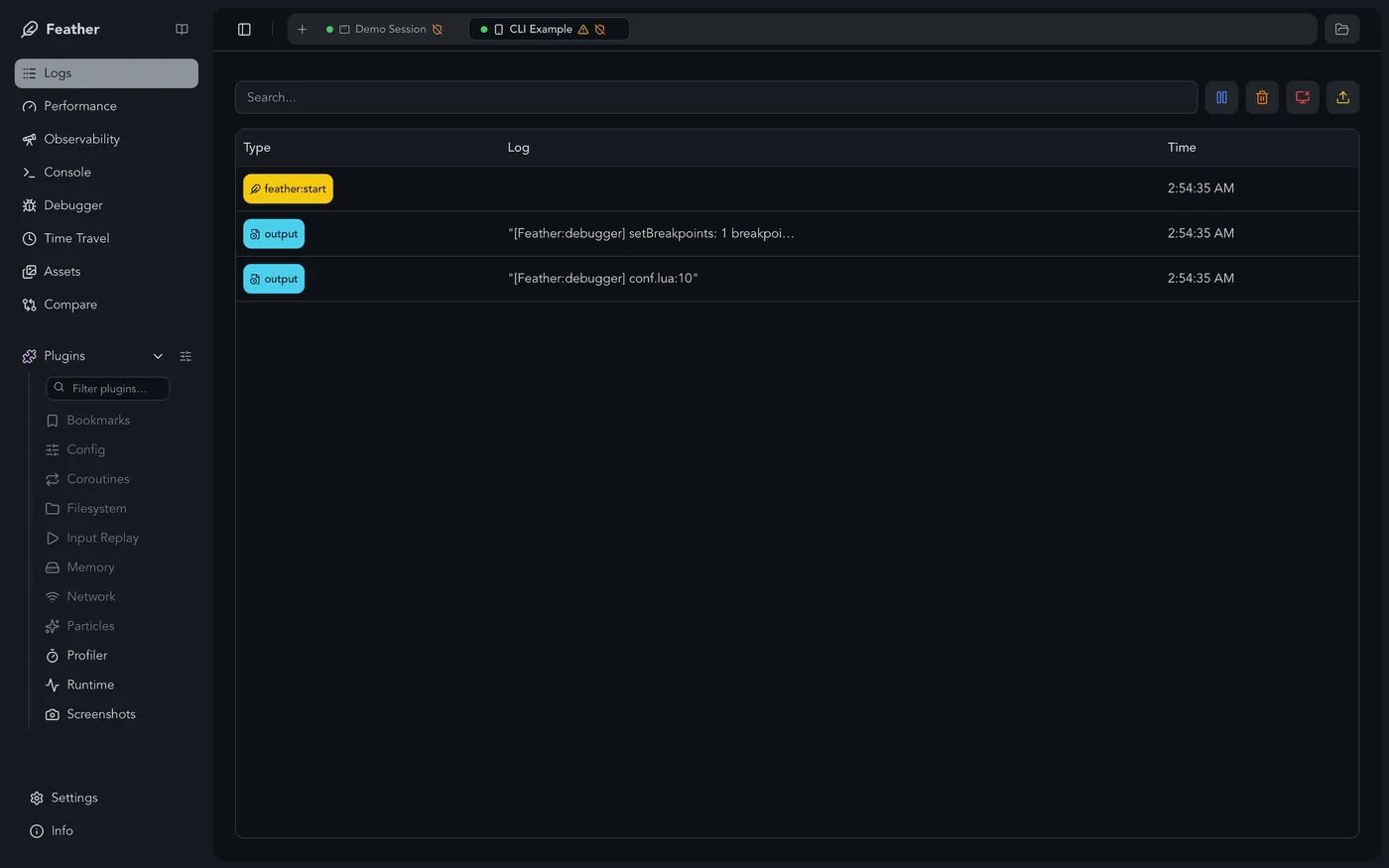
- Live log viewer: See
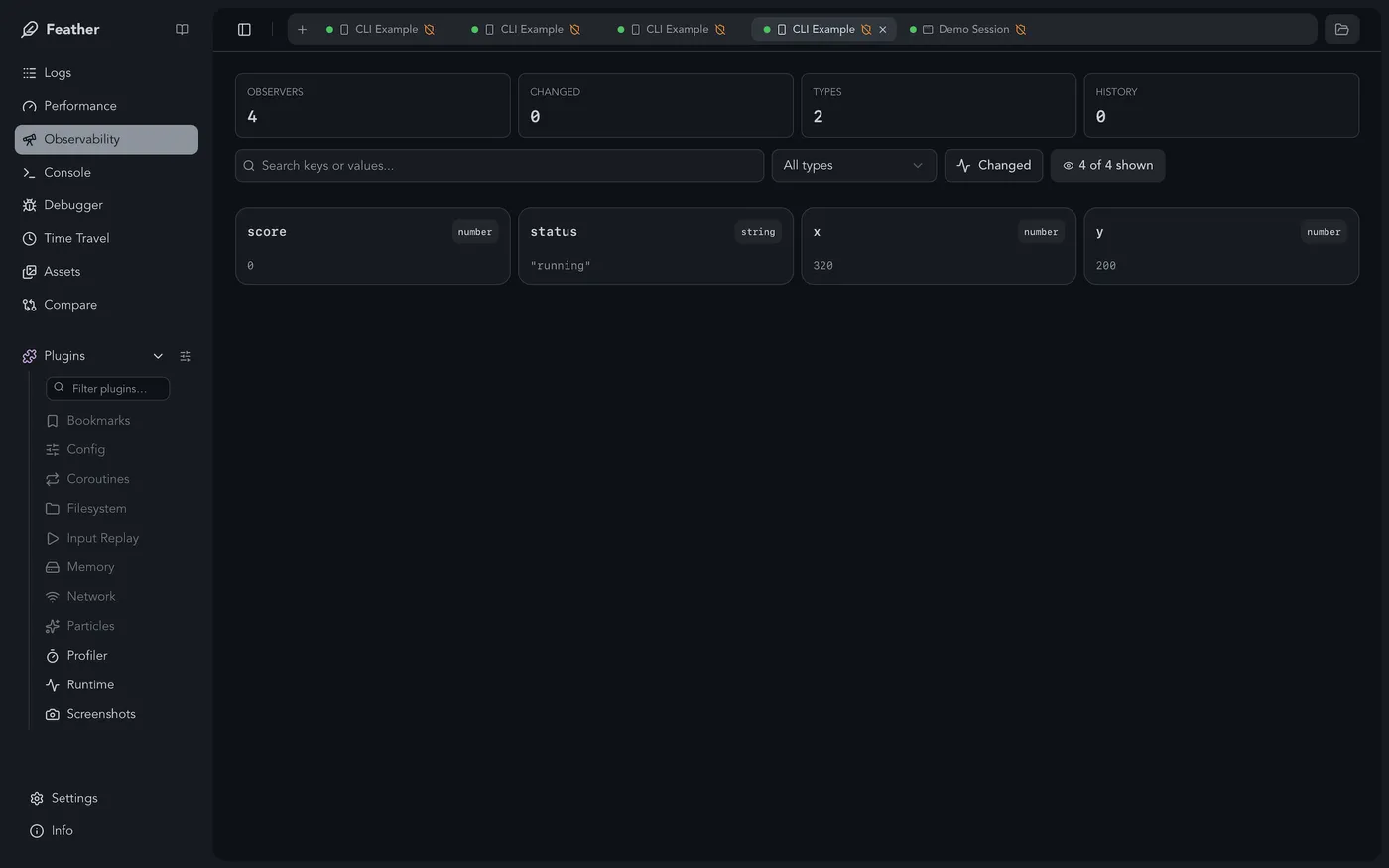
print()output in real time without a terminal window. - Variable inspection: Watch values update as the game runs.
- Error capturing: Errors are caught and shown with a full stack trace.
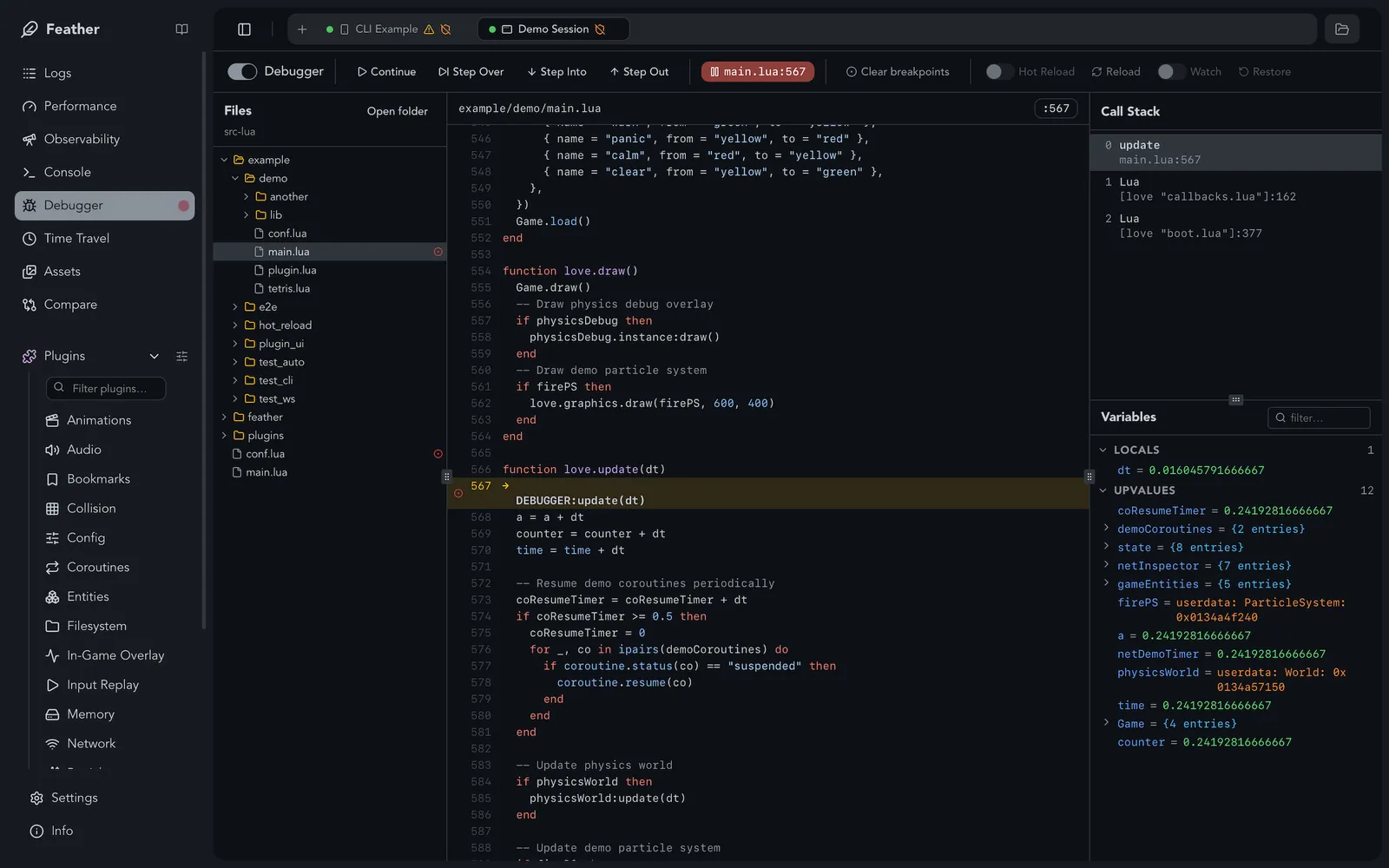
- Step debugger: Breakpoints, step over/into/out, call stack, local variable inspection.
- Session Replay: Record inputs plus game-defined state checkpoints so playthroughs can be replayed, exported, and debugged later.
- Console / REPL: Execute Lua in the running game.
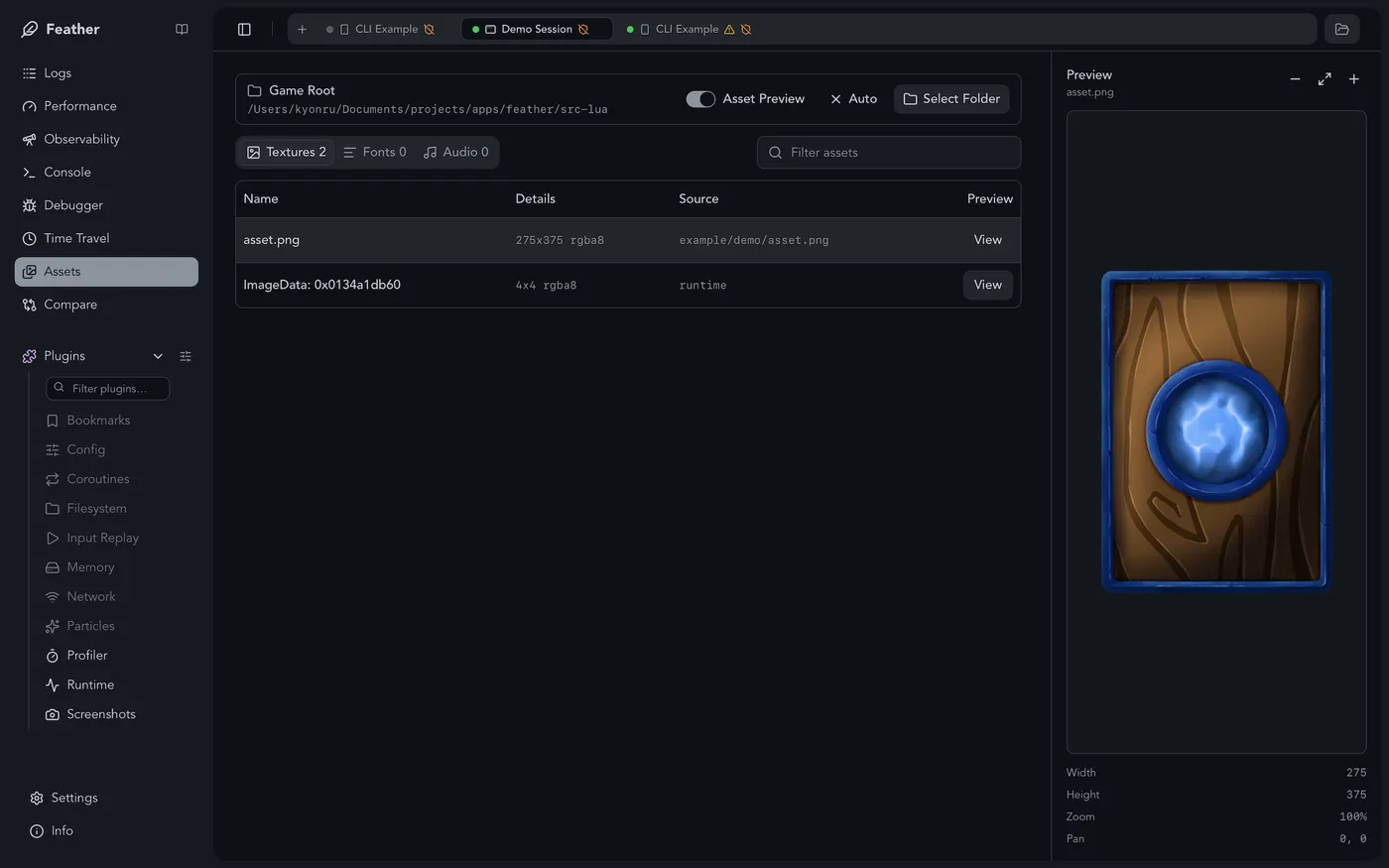
- Plugin system: Built-in plugins for collision debug, animation inspection, audio debugging, particles and more.
- Multi-session: Connect multiple games at the same time.
- Mobile and platform builds: CLI-managed web, Android, iOS, Windows, macOS, Linux, and SteamOS workflows.
- Screenshots & GIF capture: Built-in capture plugin.
- Package manager: Install packages from a curated list of popular LÖVE packages.
How it works
Feather is injected by the CLI for development runs and debug builds, so the game code does not need a manual require for every target. The desktop app becomes the place where i can inspect what the game is doing while it is running.
The project now includes the CLI, desktop inspector, VS Code extension, plugin system, build tools and a package manager. It is a lot more than the first debugging experiment, but the reason for it is still the same: i want to spend more time making the game and less time fighting the development loop.
Try it
You can explore the interactive demo, read the documentation, or get a stable build from the release page.
The source code and current development version are available in the GitHub repository.
04
Feather gallery