Display Organizer
A macOS desktop tool for arranging monitors, saving display profiles and switching complete workspaces quickly.
- Role
- Solo Dev
- Date
- Jun 2026
- Status
- macOS MVP
- Built with
- Tauri · Rust · React · TypeScript · React Flow
tool
Full case study
Display Organizer is a desktop tool for arranging multiple monitors visually, saving those arrangements as profiles and switching between complete workspaces without rebuilding the setup every time.
The current app is a macOS MVP built with Tauri. React and React Flow handle the visual canvas, while a Rust display engine talks to the operating system and applies the real monitor configuration.
Arranging displays visually
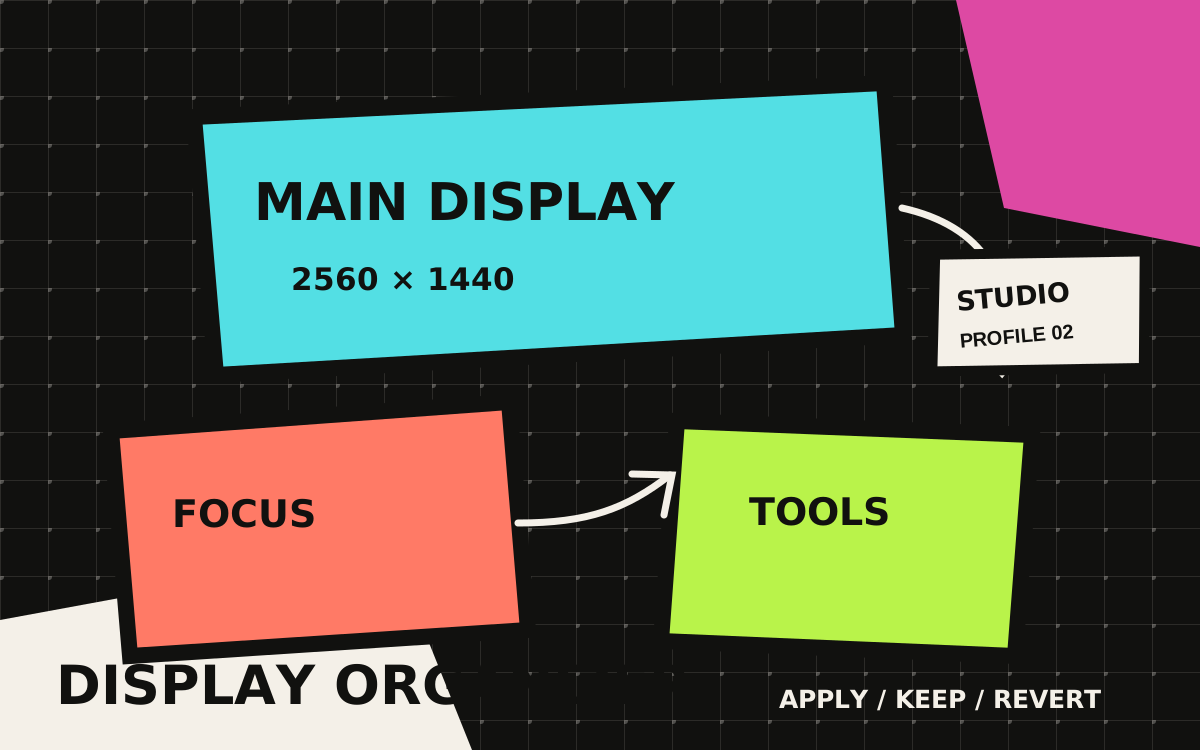
Connected monitors appear as draggable nodes on a canvas with pan, zoom, a grid, snapping and a mini map. Each display includes the information macOS reports, such as its position, resolution, scale, rotation and whether it is the primary screen.
Moving a monitor updates a draft first. Pressing Apply sends that layout to macOS, which makes it possible to experiment with the arrangement before changing the actual desktop.
The app can also change the primary display and apply supported resolution or scale modes. Rotation is more complicated because public CoreGraphics APIs only expose it as read-only, so experimental rotation support uses displayplacer when it is installed.
Layouts become workspace profiles
A profile saves more than the coordinates of each screen. It can also contain actions that run after the display layout is applied successfully.
Profiles can open apps and URLs, place an app window on a selected monitor, ask an app to quit, wait before running an action, or execute a local script when advanced scripts are explicitly enabled. Conditions can limit an action by platform, connected display or display count.
This turns a display preset into something closer to a workspace. A focused coding setup, a gaming setup and a desk with an extra monitor can each restore the screens and then open the tools that belong there.
Switching automatically
Automation rules can react to display changes, time schedules, running apps, power source, Wi-Fi context or the app launching. Confirmation is the default, while individual rules can be allowed to apply automatically.
The menu bar also provides a smaller way to refresh displays or apply a saved profile without opening the complete app window.
Recovering from a bad layout
Changing a display arrangement can go wrong in a much more annoying way than changing a normal app setting. Before applying a layout, Display Organizer saves the current configuration as the last-known-good state.
After a successful apply, a recovery banner gives 20 seconds to keep the new setup or revert it. If the app closes while a recovery state still exists, it offers that recovery again on the next launch.
The project also includes local diagnostics export. Display identifiers and Wi-Fi names are hashed, while serial numbers, raw EDID data and script commands are left out of the export by default.
Platform scope
macOS display detection, positioning, profiles, workspace actions, automation and menu bar switching are implemented. Windows and Linux X11 adapters are planned, while Wayland support remains future work because display management varies between compositors.
The source, implementation notes and platform limitations are available in the GitHub repository.