Kyonru Slides Lab
A custom Markdown presentation system with presenter controls, live audience participation and an offline viewing mode.
- Role
- Solo Dev
- Date
- Aug 2026
- Status
- Active experiment
- Context
- Personal presentation and audience interaction lab
- Built with
- Astro · React · TypeScript · Node.js · Server-Sent Events · Markdown · Mermaid
tool
Full case study
Kyonru Slides Lab is my custom presentation system. It keeps the simplicity of writing a talk in Markdown, but gives me space to make the presentation feel like part of this website instead of placing my content inside a generic slide template.
It started while preparing talks and wanting two things that normally pull in opposite directions: a calm presentation that stays out of the speaker’s way, and a playful audience experience that can react to what is happening in the room.
Why i made it
I like how direct tools like Slidev can be. Write Markdown, separate the ideas into slides, and keep moving. I also like presentations that feel designed for the specific talk instead of looking like exported documents.
The lab is an experiment in keeping both. Markdown carries the talk, reusable layouts handle the structure, and the rough paper, marker lines, bright colors and little characters give it the same visual language as the rest of my website.
Three views, three different jobs
The system does not try to make one screen work for everybody.
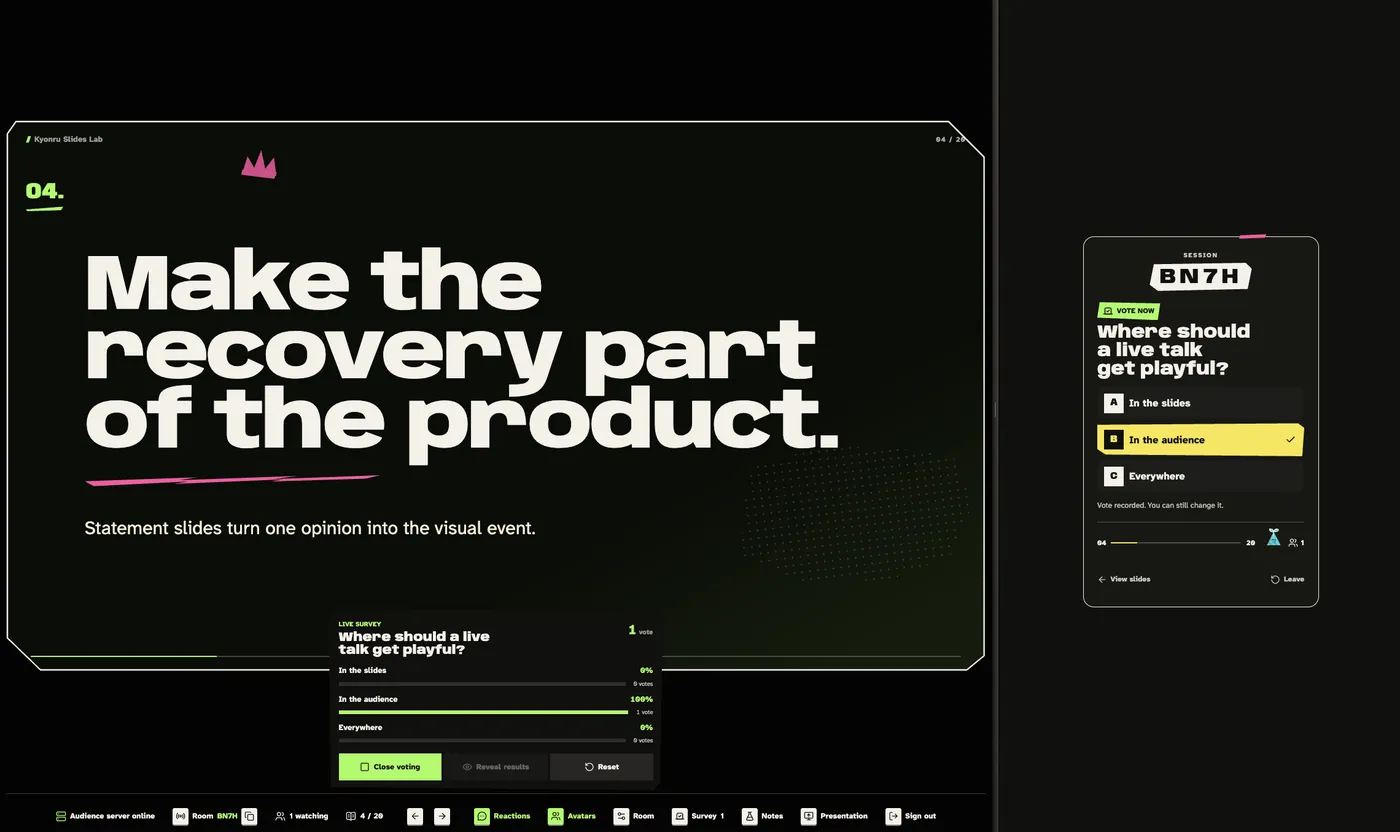
- Presenter mode is the private control desk. It contains navigation, speaker notes, room controls, audience settings and live survey results.
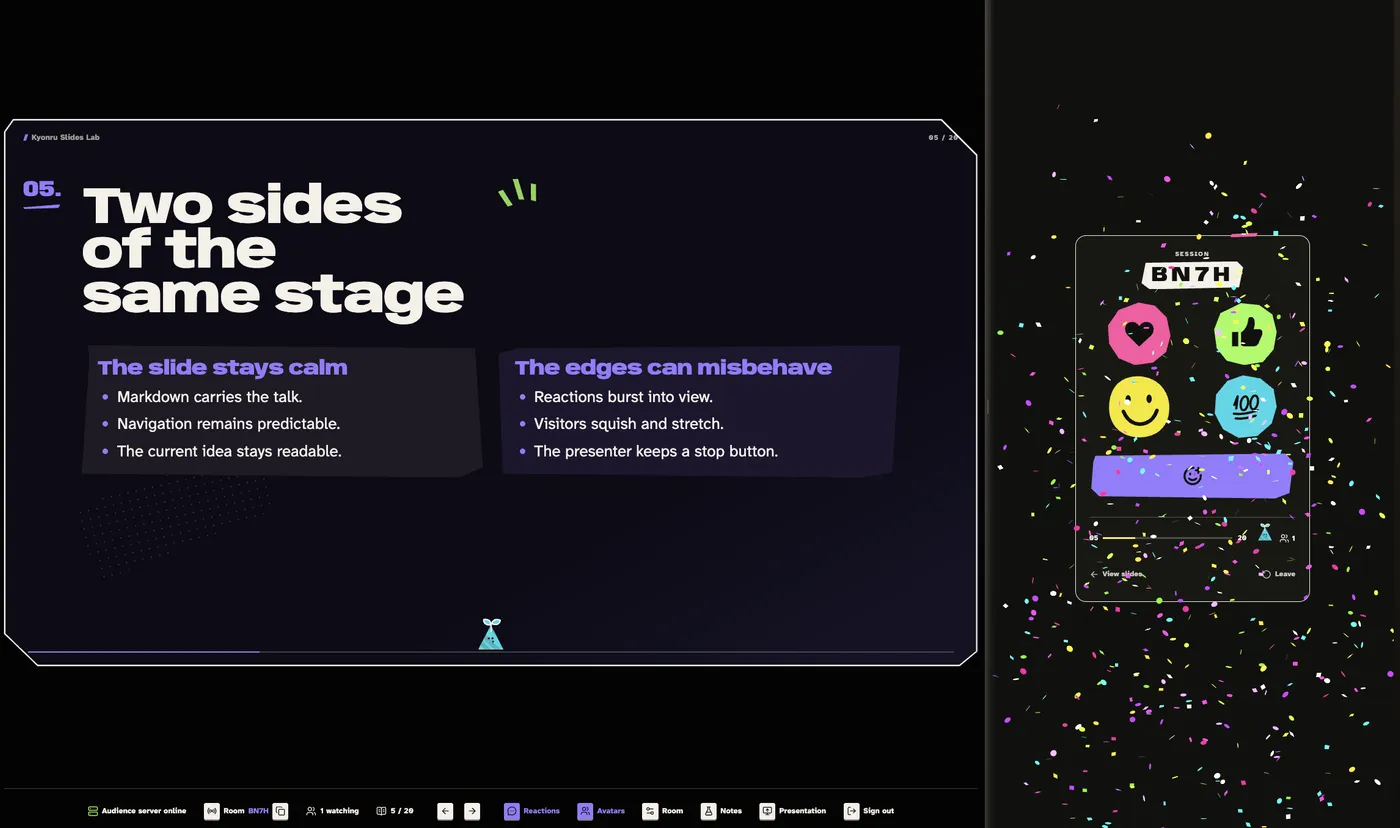
- Presentation mode is the quiet screen shown during the talk. It keeps the current slide in focus while reactions and audience characters can appear around it.
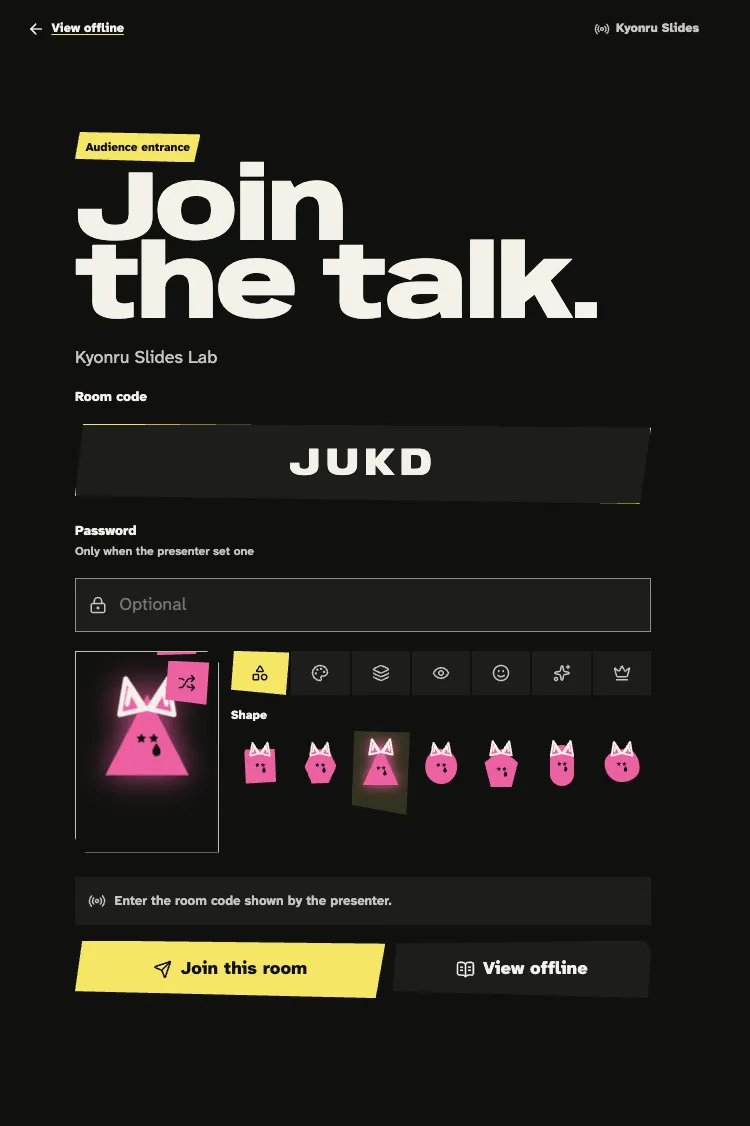
- Viewer mode is made for a phone. People can join a room, create a small character, send reactions, answer surveys and move between the remote and the presentation.
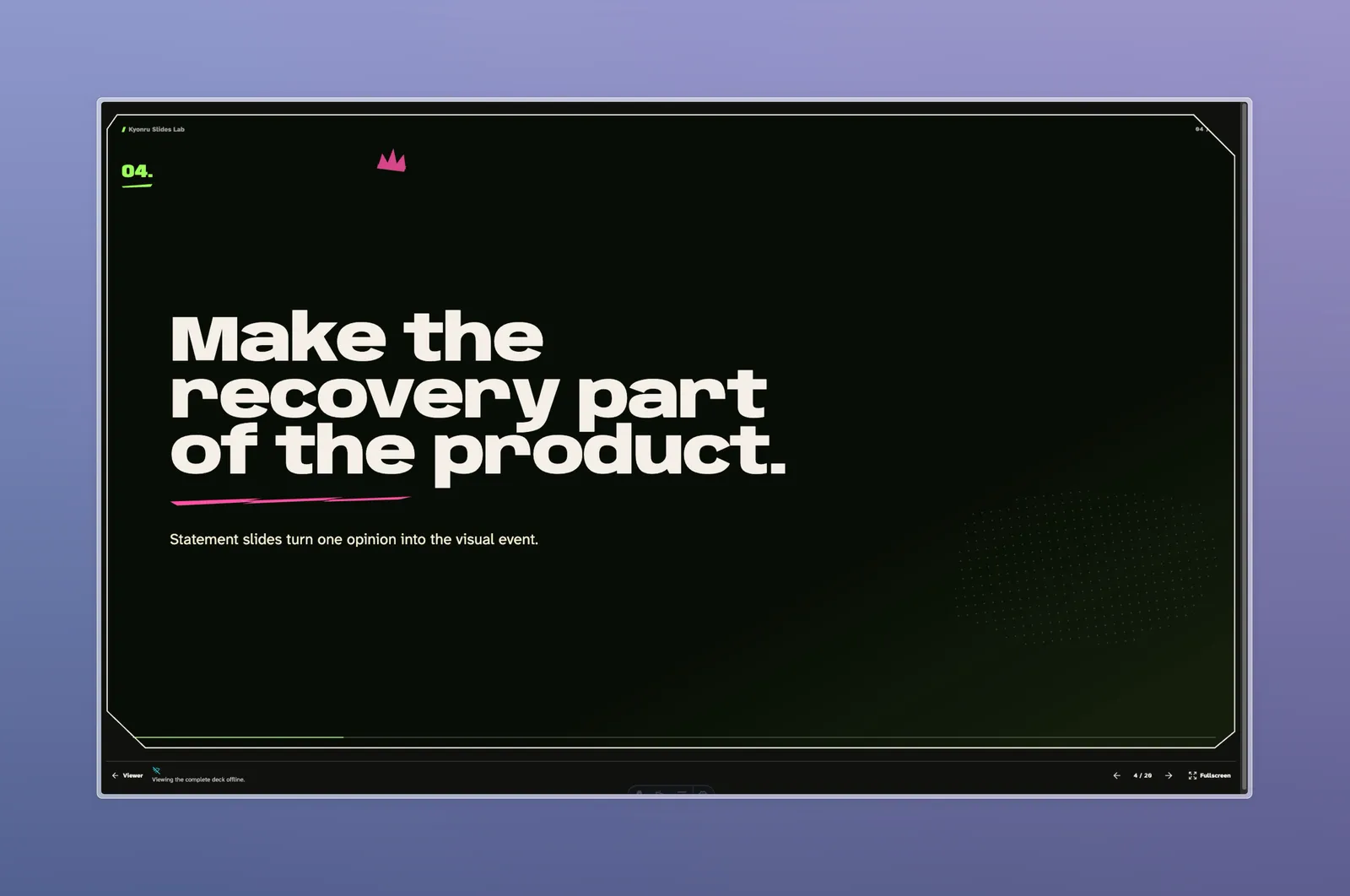
When there is no room, the complete deck can also be opened offline. That makes the presentation useful after the event instead of turning it into a dead room code.
Writing the talk
Decks are normal Markdown files with formatter-safe slide configuration comments. A slide can choose a layout and accent, show a console, run an entry effect or define a survey without turning the content into a React component.
The available layouts cover normal statements, chapters, comparisons, timelines, metrics, resources, media, charts and code. Code slides support line numbers, wrapping, copying and animated steps with Shiki Magic Move. Mermaid fences become dark diagrams using the same neon palette as the presentation.
Letting the room participate
The realtime service lives in this repository as a separate Node.js application. A presenter creates a temporary room and audience members join using a short code. Slide position, participants, reactions, avatars and surveys are synchronized through Server-Sent Events.
The audience can react without taking control of the presentation. Surveys stay private to the presenter until the results are revealed, and each participant has one answer that they can change while voting is open.
Rooms are intentionally temporary right now. They can disappear when the free Railway service sleeps or restarts, so the client includes retries and reconnect behavior instead of pretending that the backend is always awake.
Try it
The Slides Lab contains the layout specimen and the converted Creating 2D Games with LÖVE talk. The decks can be viewed offline without creating or joining a live room.
03
Kyonru Slides Lab gallery