Feather 🪶
Real-time debug & inspect tool for LÖVE (love2d) games.
Like Flipper or React DevTools, but for LÖVE game. Inspect logs, variables, performance metrics, and errors in real time over a WebSocket connection with a built-in plugin system, step debugger, and zero-config setup.
Features
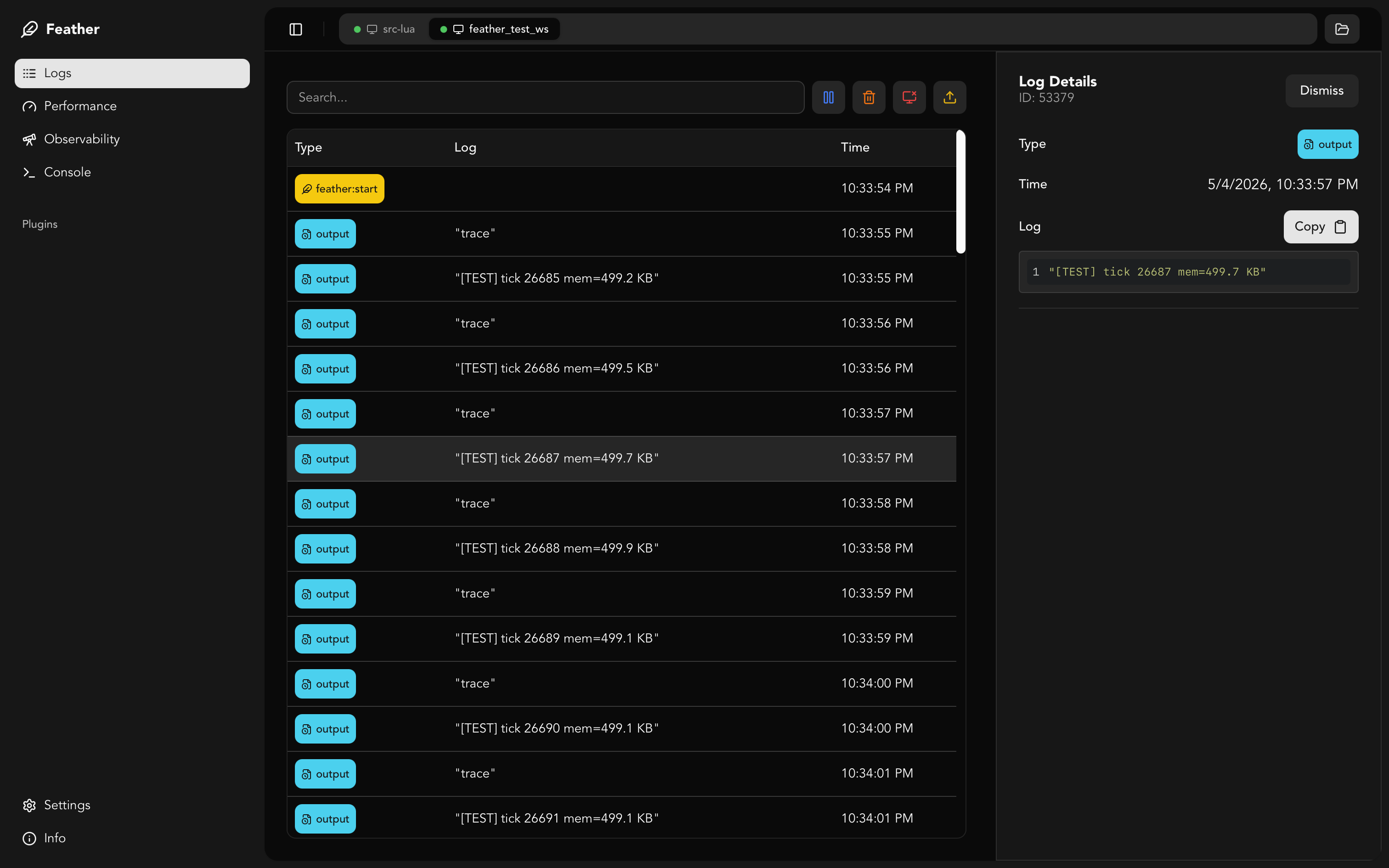
- 📜 Live log viewer — See
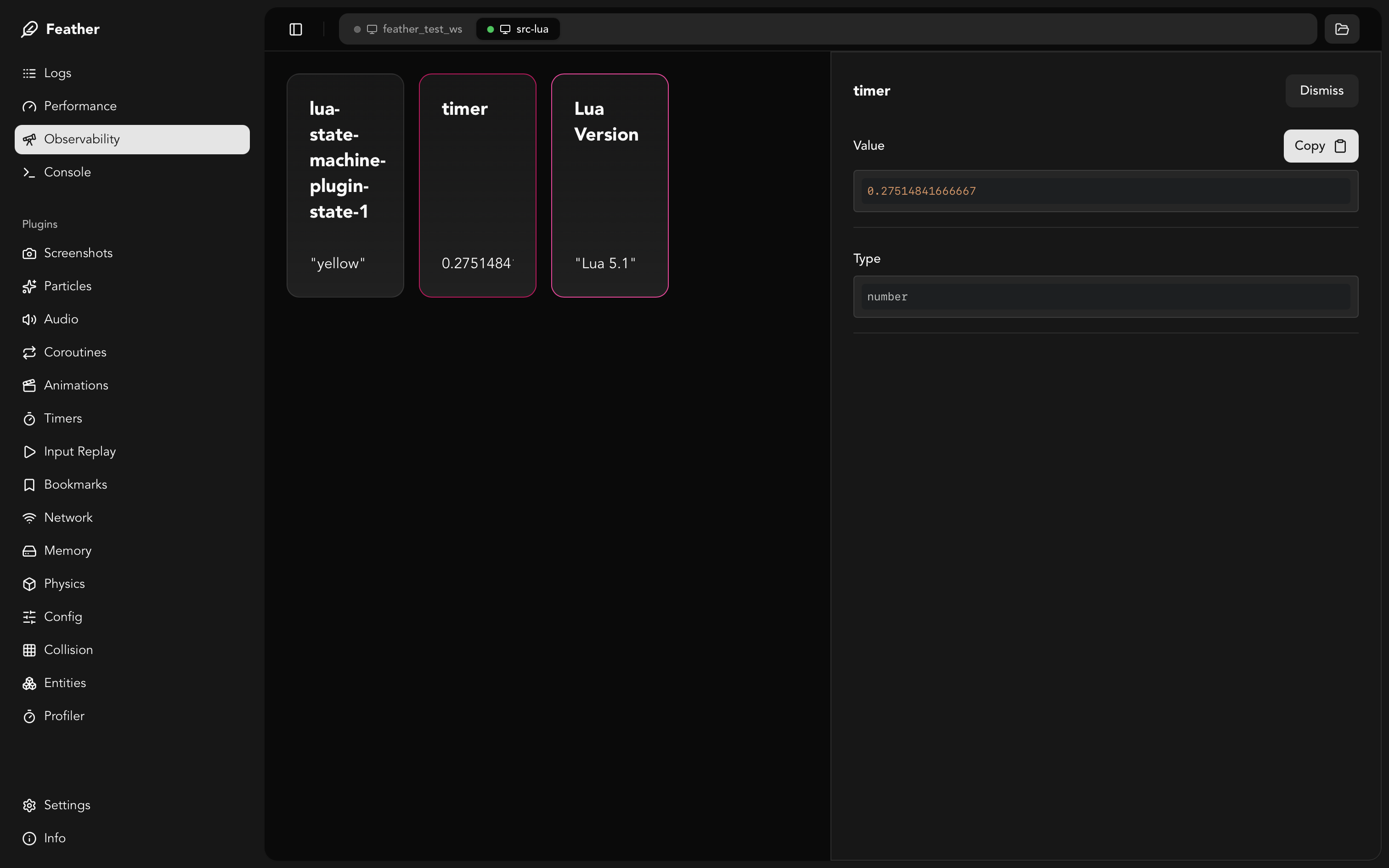
print()output instantly in the app. - 🔍 Variable inspection — Watch values update in real-time.
- 🚨 Error capturing — Catch and display errors automatically.
- 📸 Screenshots & GIF capture — Capture screenshots and record GIFs via the built-in plugin.
- 🔌 Plugin system — +18 built-in plugins + custom ones. Server-driven UI: plugins define their actions in Lua, the desktop renders them automatically.
- 📱 Multi-session support — Connect multiple games simultaneously, each gets its own session tab.
- 📲 Mobile debugging — Auto-detected local IP in Settings with copyable connection string.
- 💻 Console / REPL — Execute Lua code in the running game (opt-in, requires
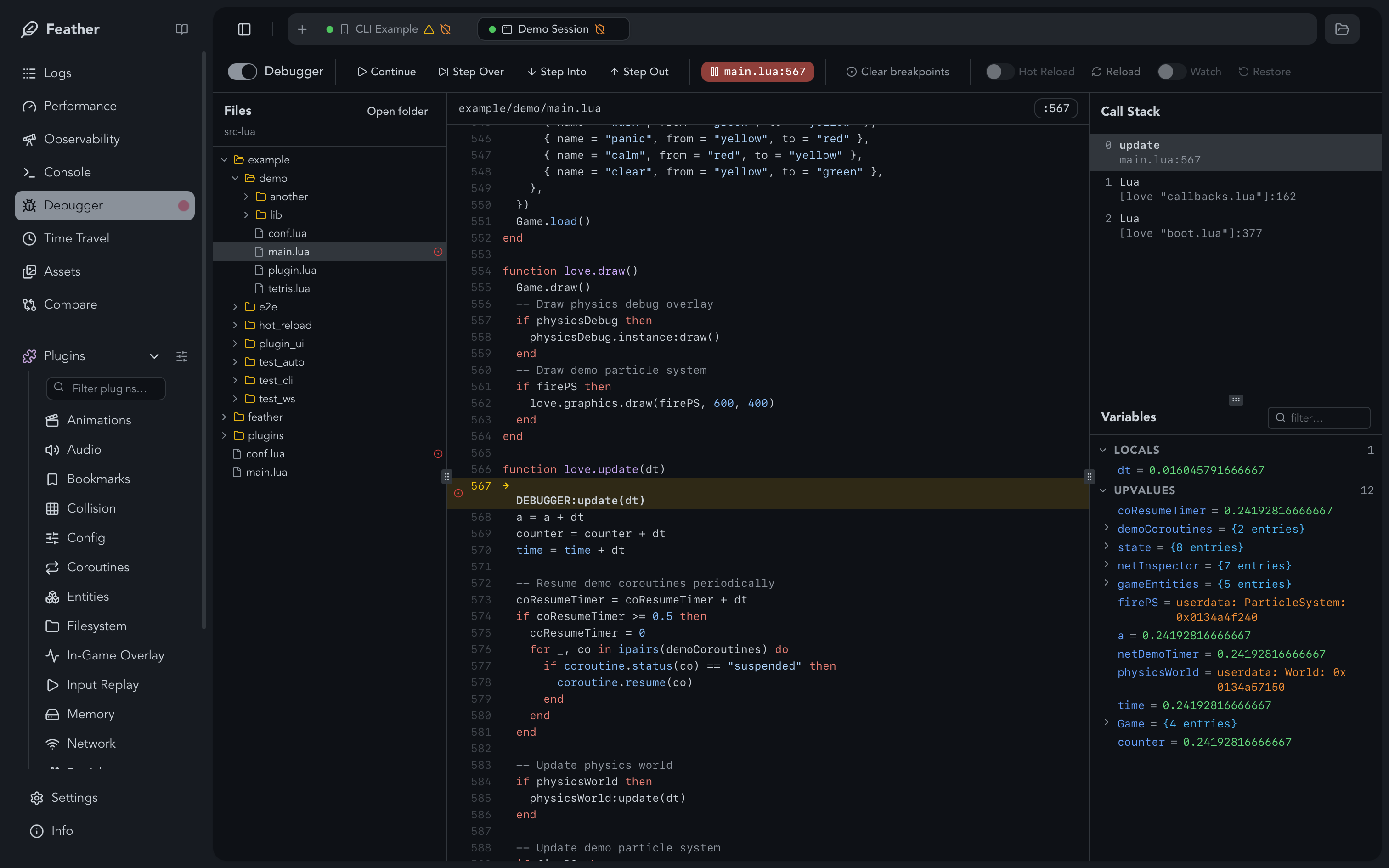
apiKey). - 🐛 Step Debugger — Breakpoints, step over/into/out, call stack, and local variable inspection.
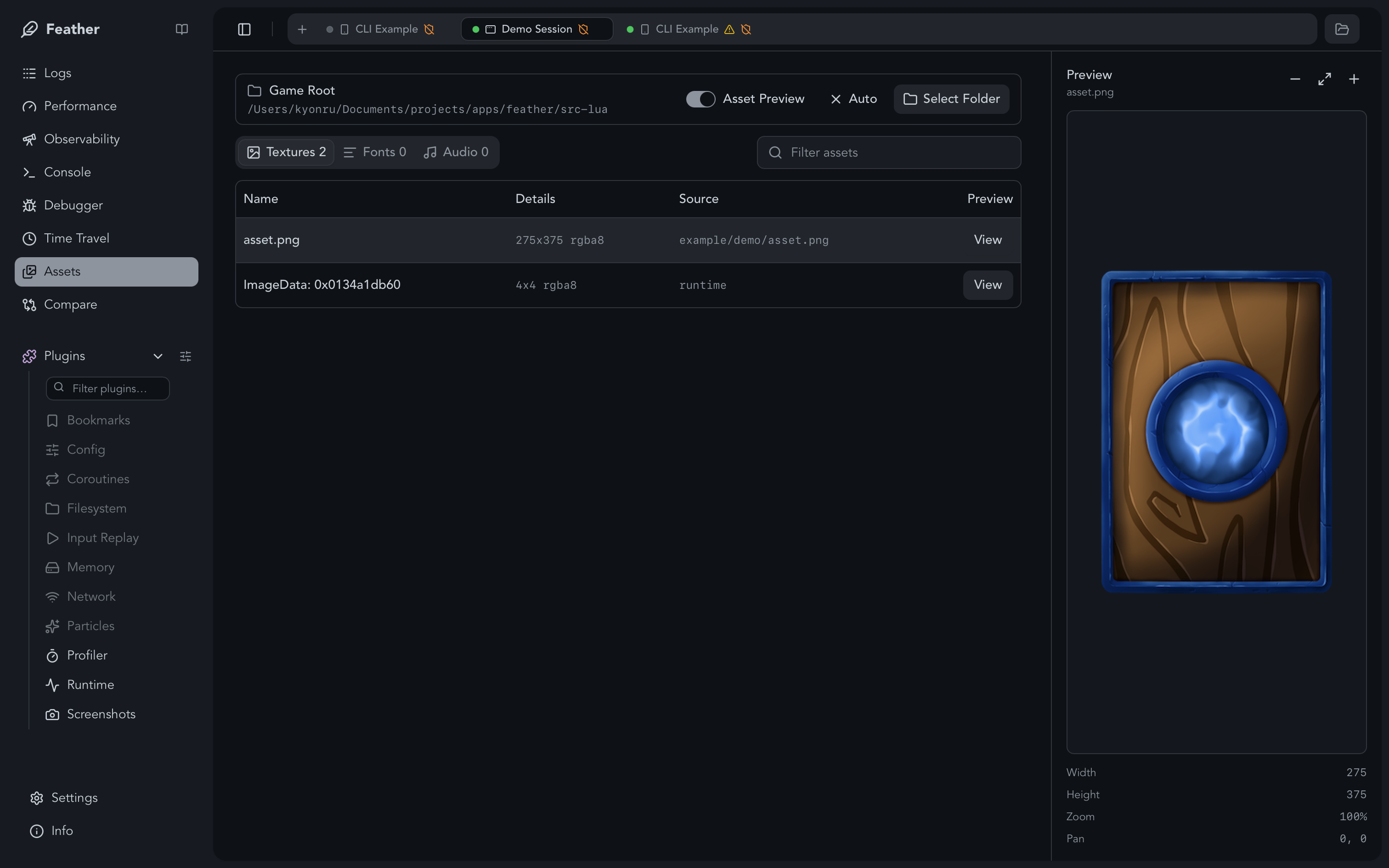
- 🖼️ Asset inspector — Browse loaded textures, fonts, and audio sources with previews, zoom, pan, and pixel grid.
- ✨ Texture Lab — Generate tiny PNG sprites, masks, noise maps, gradients, and trail textures for creative workflows.
- 📁 Log file viewer — Open
.featherlogfiles for offline inspection. - 🖥️ CLI-first workflow —
feather init,feather run, andfeather removemanage setup and cleanup with no manual Lua integration. - 🚢 Build/upload helpers —
feather buildcreates.love, web, mobile, and desktop artifacts andfeather upload itchpushes them with Butler. - 🧹 Self-cleaning setup — Generated files are managed by Feather and can be previewed or removed before release.
- 📦 Config file support —
feather.config.luakeeps project settings outside game code.
Quick Start
Install the Feather desktop app and CLI:
- Download the desktop app from Releases.
- Install the CLI:
Initialize your project, open the Feather app, then run the game:
Feather is injected by the CLI for dev runs and debug builds, so your game code does not need a manual require for any target.
By default, CLI init enables error capture and includes the creative plugins particle-system-playground and shader-graph. Other plugins are controlled through feather.config.lua:
feather config plugins --include input-replay --dir path/to/my-game
feather config hot-reload --allow game.player --dir path/to/my-game
Caution
feather run is for development. Do not publish builds created from a run session; create user-facing builds with feather build <target> --release so Feather debugging tools are not included.
Optional Vendors
Vendor setup downloads the local LÖVE runtimes/templates needed by web, mobile, and packaged desktop targets, then updates feather.build.json.
feather build vendor add web --dir path/to/my-game
feather run path/to/my-game --target web

feather build vendor add android --dir path/to/my-game
feather run path/to/my-game --target android

feather build vendor add ios --dir path/to/my-game
feather run path/to/my-game --target ios
For all build vendors, including desktop packaging runtimes:
Build release artifacts from the same CLI flow:
feather build love --dir path/to/my-game --release
feather build android --dir path/to/my-game --release
feather build ios --dir path/to/my-game --release
feather build windows --dir path/to/my-game --release
feather build macos --dir path/to/my-game --release
feather build linux --dir path/to/my-game --release
feather build steamos --dir path/to/my-game --release
See CLI for feather run, feather doctor, feather build, and feather upload options.
Documentation
- CLI — Run games without touching their code,
feather run,feather init,feather doctor,feather build,feather upload - Installation — Download, install script, LuaRocks, custom paths
- VS Code Extension — Run, doctor, build, plugin, package, and project settings from the editor
- Usage — Quick tour of the desktop app and common workflows
- Configuration — Runtime options, auth, runtime budgets, connecting, mobile debugging
- MCP — Local AI client access to sessions, plugins, Shader Graph, Particles Playground, and Texture Lab
- Session — Connection health, auth/config status, suspend/resume, session switching
- Logs — Live logs, follow-tail, persistence, filters,
.featherlogfiles - Observability —
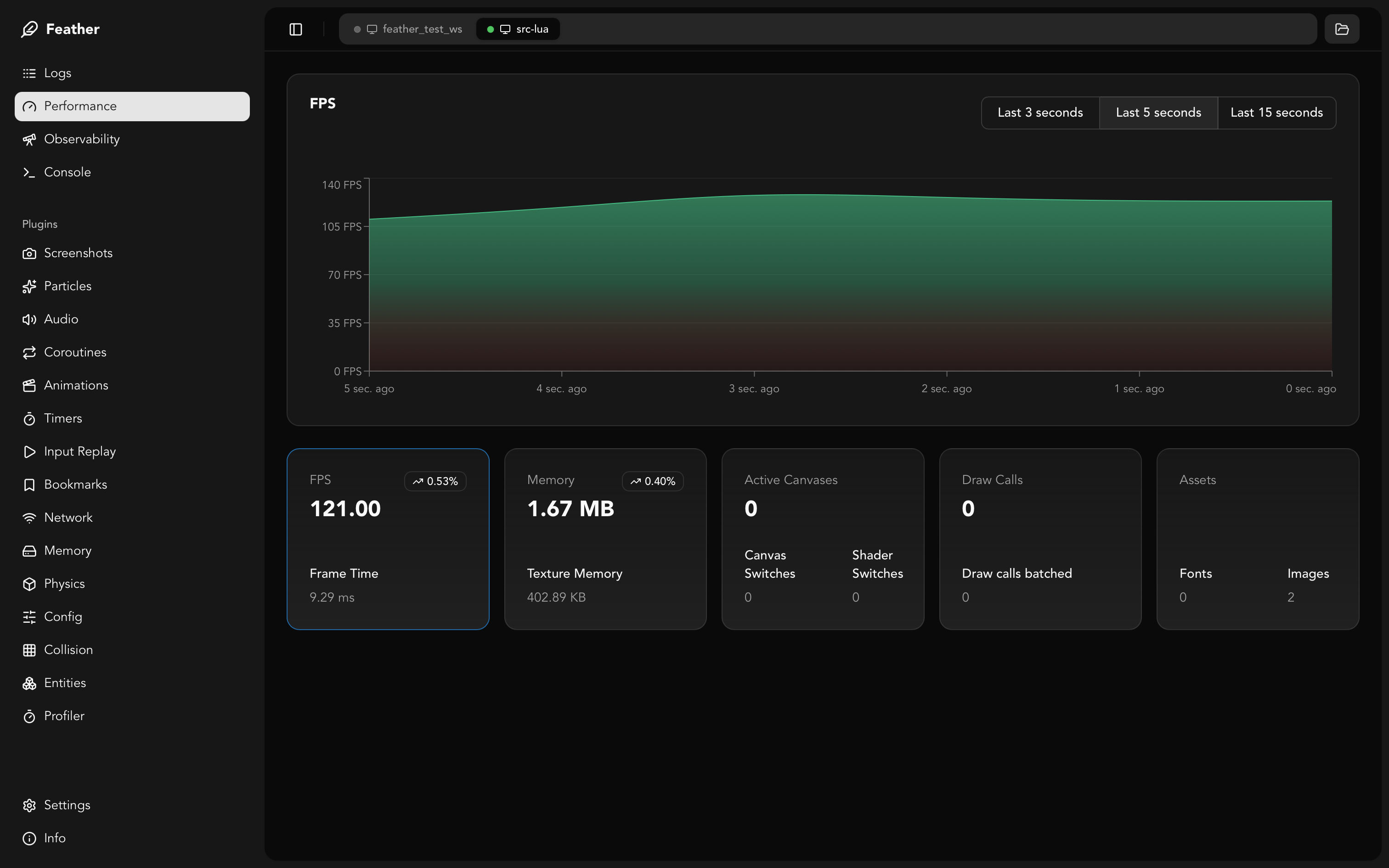
observe,watch, diffs, history, exports, and payload-cost guidance - Performance — Health metrics, Feather overhead, runtime budgets, profiler entry points
- Profiler — Core profiler captures, snapshots, probes, wrapped functions, run comparisons
- Debugger — Breakpoints, stepping, pause-on-error, source views, profiler probes
- Console — Opt-in Lua eval, result inspectors, pins, read-only guardrails
- Assets — Inspect loaded textures, fonts, audio, previews, and game-root mapping
- Particle System Playground — Particle templates, timelines, previews, exports
- Shader Graph — Node graph shaders, templates, previews, connected-game apply
- Texture Lab — Procedural PNG sprites, masks, noise maps, spline paths, gradients, and trail textures
- Standalone Showcase — Browser-hosted creative tools without a local game
- Time Travel — Observer snapshot recording and timeline scrubbing
- Session Replay — Input replay with developer-selected state checkpoints
- Package Management — Curated LÖVE packages, trust, checksums, lockfiles
- Plugins — Built-in plugins, plugin system, custom plugins
- Recommendations — Security, performance, release builds
Screenshots