Accessibility
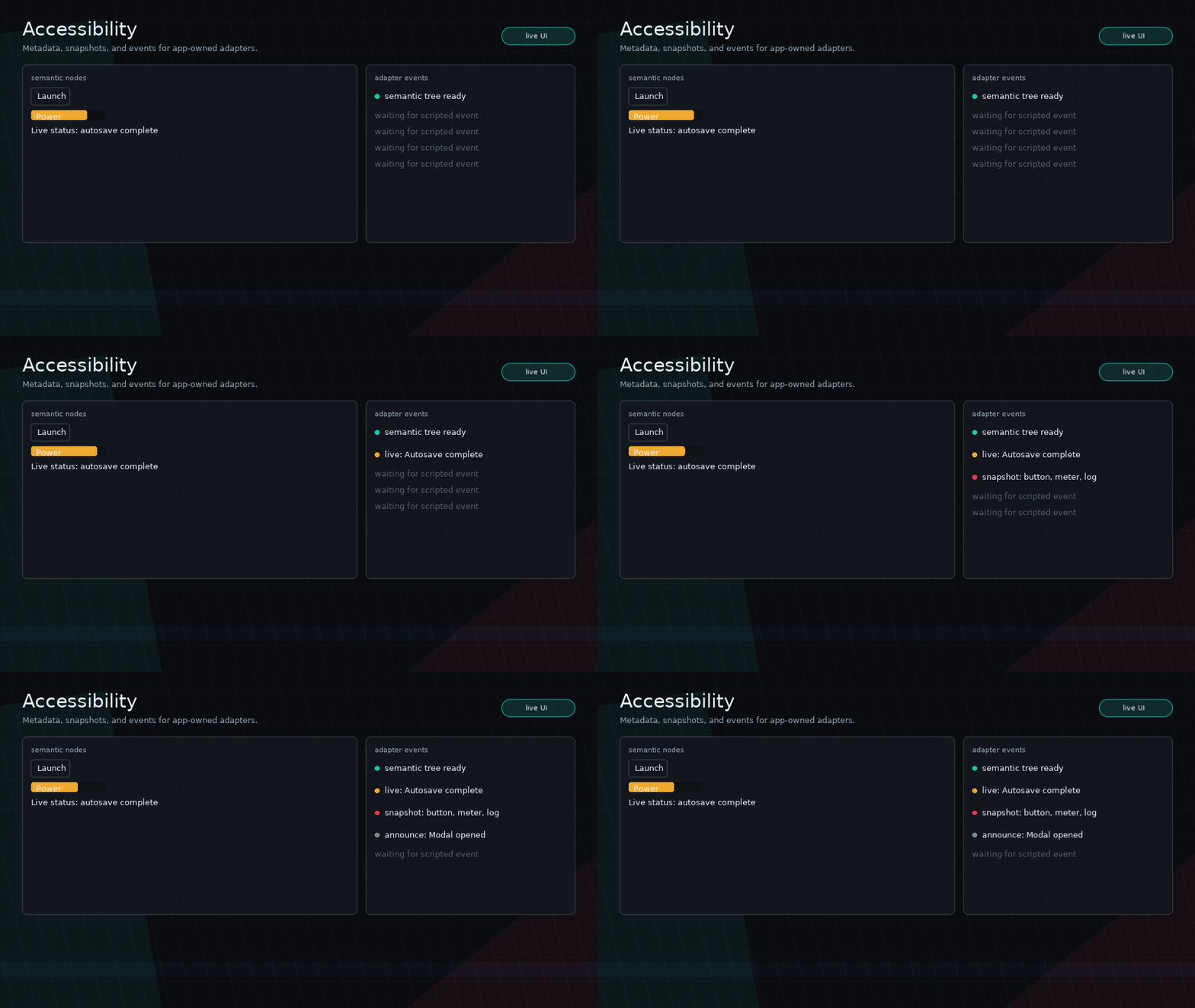
Glyph runs inside Love2D, so it cannot magically turn nodes into native OS screen-reader controls. Instead, Glyph exposes semantic metadata, focus and activation announcements, live-region events, and tree snapshots. Your app can log those events, speak them with a TTS library, bridge them to platform APIs, or publish them to DOM live regions in Love.js.
Semantic Props
Every node accepts semantic props:
ui.button({
  label = "Launch",
  role = "button",
  accessibilityLabel = "Launch mission",
  accessibilityDescription = "Starts the selected mission",
})
Useful props:
role:"button","text","input","panel","tab","meter","dialog","group","none", or an app-defined string.accessibilityLabel: the short name announced for the node.accessibilityDescription: supporting context.accessibilityValue/accessibilityValueText: numeric and spoken values for meters, sliders, inputs, or custom controls.accessibilityHidden = true: hides decorative nodes from snapshots and announcements.accessibilityLive = "polite"or"assertive": announces resolved text/value changes after the initial build.
Use role = "none" for purely structural nodes that should not appear in the
semantic tree.
I18n Keys
Semantic strings support the same keyed pattern as labels and placeholders:
ui.meter({
  value = hp,
  max = 100,
  labelKey = "hud.hp",
  labelParams = { value = hp },
  labelCacheKey = "hp:" .. hp,
  accessibilityLabelKey = "hud.hp.label",
  accessibilityValueTextKey = "hud.hp.value",
  accessibilityValueTextParams = { value = hp },
  accessibilityValueTextCacheKey = "hp-value:" .. hp,
})
Glyph resolves semantic keys through ui.i18n.t before layout, snapshots, and
runtime events use the strings.
Events
Register an adapter with the normal callback bus:
Events include kind, message, node, path, role, label,
description, valueText, and live.
Glyph emits:
focus: when focus moves to a semantic node.activate: when a button activates by mouse, touch, keyboard, or mapped gamepad input.live: when a live region's resolved text/value changes after the first build.announce: when your app callsui.accessibility.announce.
Configuration
configure({}) restores the defaults. When disabled, Glyph still stores semantic
props, but it does not emit accessibility events.
Manual announcements are app-owned:
Snapshots
ui.accessibility.snapshot(root?) returns semantic nodes in layout/draw order.
Without a root, it snapshots the active runtime root and scene layers.
for _, item in ipairs(ui.accessibility.snapshot()) do
  print(item.role, item.label, item.valueText)
end
ui.accessibility.focused() returns the current focused semantic description.
ui.accessibility.describe(node) normalizes one node.
Love2D Boundaries
Glyph does not play speech, load voices, expose native UI controls, handle OS accessibility preferences, shape bidirectional text, or enforce WCAG rules. The core provides consistent semantics and events; apps own the adapter and policy.
Tip
Keyboard navigation and the opt-in gamepad mapper both use Glyph focus and activation, so they naturally produce the same accessibility focus and activate announcements as pointer interaction.