Responsive Helpers
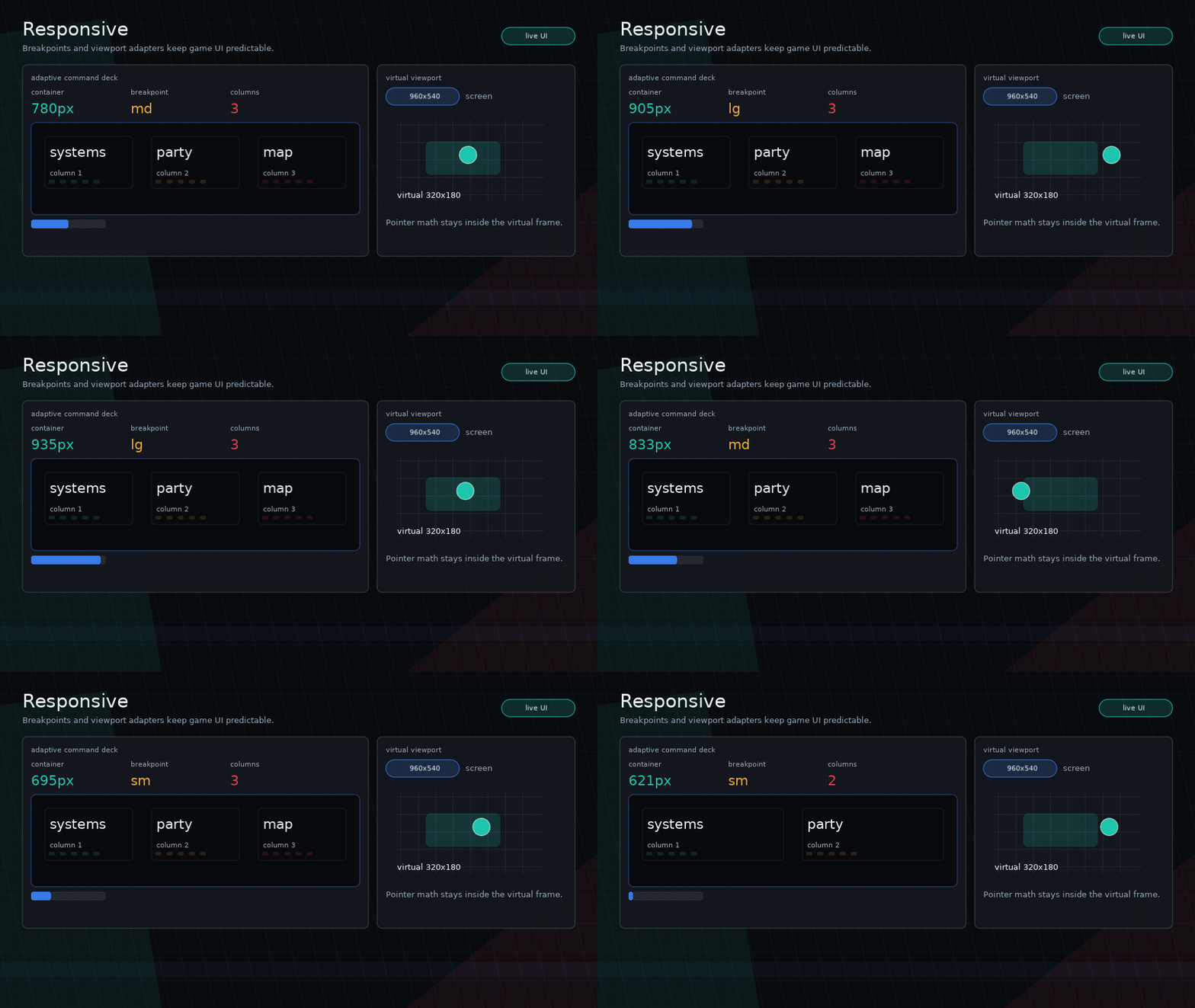
Glyph tracks viewport size and breakpoints for resizable Love2D windows.
Configure The Window
ui.configureWindow({
  width = 928,
  height = 720,
  resizable = true,
  minWidth = 420,
  minHeight = 520,
  breakpoints = { md = 760, lg = 1100 },
})
Or through ui.load:
ui.load({
  window = {
    width = 928,
    height = 720,
    resizable = true,
    breakpoints = { md = 760 },
  },
  app = App,
})
Resize
When callbacks are not installed automatically:
Query Helpers
ui.viewport()ui.breakpoint()ui.atLeast(name)ui.below(name)ui.responsive(values)ui.columns(containerWidth, opts)ui.clamp(value, minValue, maxValue)
Example:
local viewport = ui.viewport()
local compact = ui.below("md")
local cards = ui.columns(viewport.width - 28, {
  min = compact and 150 or 180,
  maxCount = compact and 2 or 4,
  gap = 10,
})
Responsive helpers are intentionally small. Keep layout decisions explicit in the component.
Fixed Virtual Viewports
Glyph can adapt to fixed-resolution backends such as Push and Shove. These
libraries are optional peer dependencies: install one on your app's
package.path, or pass your existing backend object as viewport.instance.
Configure a virtual viewport under window.viewport:
ui.load({
  window = {
    width = 1280,
    height = 720,
    resizable = true,
    viewport = {
      backend = "shove", -- or "push"
      width = 640,
      height = 360,
      fit = "aspect",
      filter = "nearest",
      canvas = true,
    },
  },
  app = App,
})
When a viewport backend is active, ui.viewport() reports the virtual size and
Glyph lays out, renders, and hit-tests in that coordinate space. The installed
mouse and touch callbacks convert screen coordinates before routing input.
Note
Glyph does not ship Push or Shove as runtime modules. The repository keeps
development copies under dev/vendor so examples can run locally, but app code
should own the backend dependency.
Fit values are backend-agnostic:
aspectpixelstretchnone
For apps that already initialize Push or Shove, attach the existing instance and let the app keep ownership of backend setup and draw wrapping:
ui.configureWindow({
  viewport = {
    backend = "push",
    instance = push,
    width = 640,
    height = 360,
    managed = false,
  },
})
Use ui.viewportBackend.raw() for backend-specific APIs such as Push canvases or
Shove layers and effects.
Glyph also exposes backend-agnostic helpers:
local inside, x, y = ui.viewportBackend.screenToViewport(love.mouse.getPosition())
local screenX, screenY = ui.viewportBackend.viewportToScreen(32, 24)

if ui.viewportBackend.isEnabled() then
  print(ui.viewportBackend.backend())
end
Managed backends are wrapped automatically during ui.render(). In attached
mode, keep using the app-owned backend draw calls, or call
ui.viewportBackend.beginDraw() / ui.viewportBackend.endDraw() yourself, and
let Glyph use the adapter for virtual layout and input coordinates.