Transitions
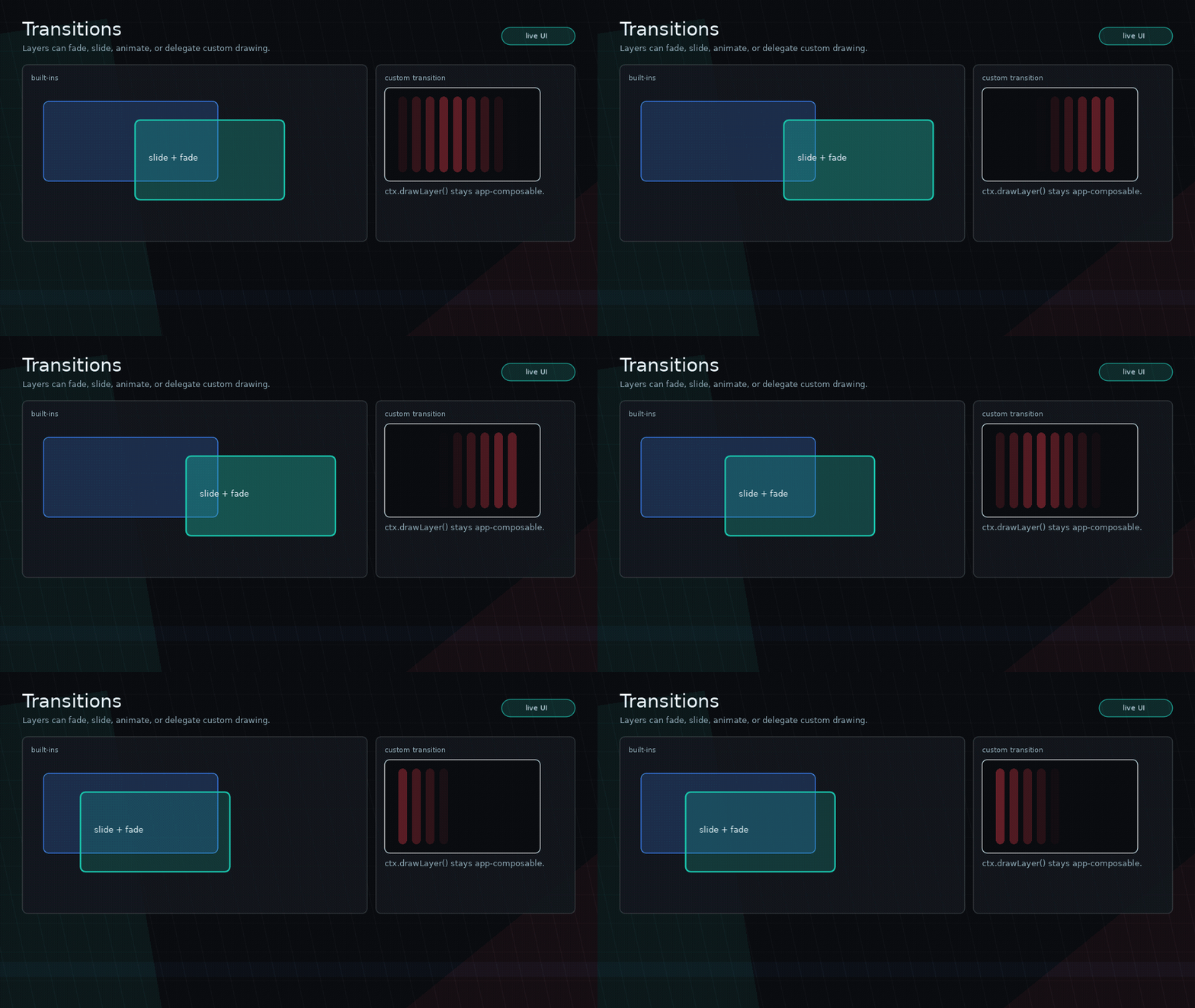
Glyph transitions are used by scenes and modals. They control how a layer is drawn while entering or exiting.
Built-In Transitions
ui.transitions.none(opts)ui.transitions.fade(opts)ui.transitions.slide(opts)ui.transitions.scale(opts)
Examples:
transition = ui.transitions.fade({ duration = 0.2 })
transition = ui.transitions.slide({ direction = "bottom", duration = 0.32 })
transition = ui.transitions.scale({ duration = 0.18, exitDuration = 0.12 })
You may also pass transition names such as "fade" or "none".
Custom Transitions
local transition = ui.transitions.custom({
  duration = 0.4,
  exitDuration = 0.25,
  draw = function(ctx)
    ctx.drawLayer()
  end,
})
Transition context fields:
progress:0..1phase:"enter"or"exit"layerboundsloveruntimetransitiondrawLayer
Animation Transitions
ui.transitions.animate uses the same visual animation spec as node enter
and exit animations:
transition = ui.transitions.animate({
  enter = {
    duration = 0.24,
    from = { opacity = 0, y = 24, scale = 0.96 },
    to = { opacity = 1, y = 0, scale = 1 },
  },
  exit = {
    duration = 0.16,
    to = { opacity = 0, y = 18, scale = 0.98 },
  },
})
Shader Transition
local shaderTransition = ui.transitions.custom({
  duration = 0.34,
  draw = function(ctx)
    local graphics = ctx.love.graphics
    shader:send("amount", ctx.progress)
    graphics.setShader(shader)
    ctx.drawLayer()
  end,
})
Stencil Transition
local wipe = ui.transitions.custom({
  duration = 0.45,
  draw = function(ctx)
    local g = ctx.love.graphics
    g.stencil(function()
      g.circle("fill", ctx.bounds.x + ctx.bounds.width / 2, ctx.bounds.y + ctx.bounds.height / 2, ctx.progress * 700)
    end, "replace", 1)
    g.setStencilTest("equal", 1)
    ctx.drawLayer()
    g.setStencilTest()
  end,
})
Glyph wraps layer transitions in graphics state protection. Custom transitions should still reset any local stencil/shader state they directly control.
What Belongs In Core
Generic transition primitives belong in core. Shape-specific effects, such as blob reveals or game-branded wipes, belong in examples or app code using ui.transitions.custom.