Examples
Run examples with Love2D:
love examples/accessibility
love examples/animations
love examples/audio-cues
love examples/basic
love examples/dashboard
love examples/hud-menu
love examples/hud-primitives
love examples/i18n
love examples/inventory
love examples/juice
love examples/menori
love examples/modal
love examples/navigate
love examples/path-feedback
love examples/scene
love examples/themes
love examples/typography
love examples/viewport
love examples/performance
Generate documentation GIFs from the dedicated capture scenes:
The command requires Love2D and FFmpeg. Set LOVE_BIN or FFMPEG_BIN when the
executables are not on PATH; on macOS the script also checks
/Applications/love.app/Contents/MacOS/love.
Accessibility
Love2D-friendly semantics demo with keyboard/gamepad focus traversal, localized labels, live region events, hidden decoration, semantic snapshots, and a fake TTS/log adapter.
Animations
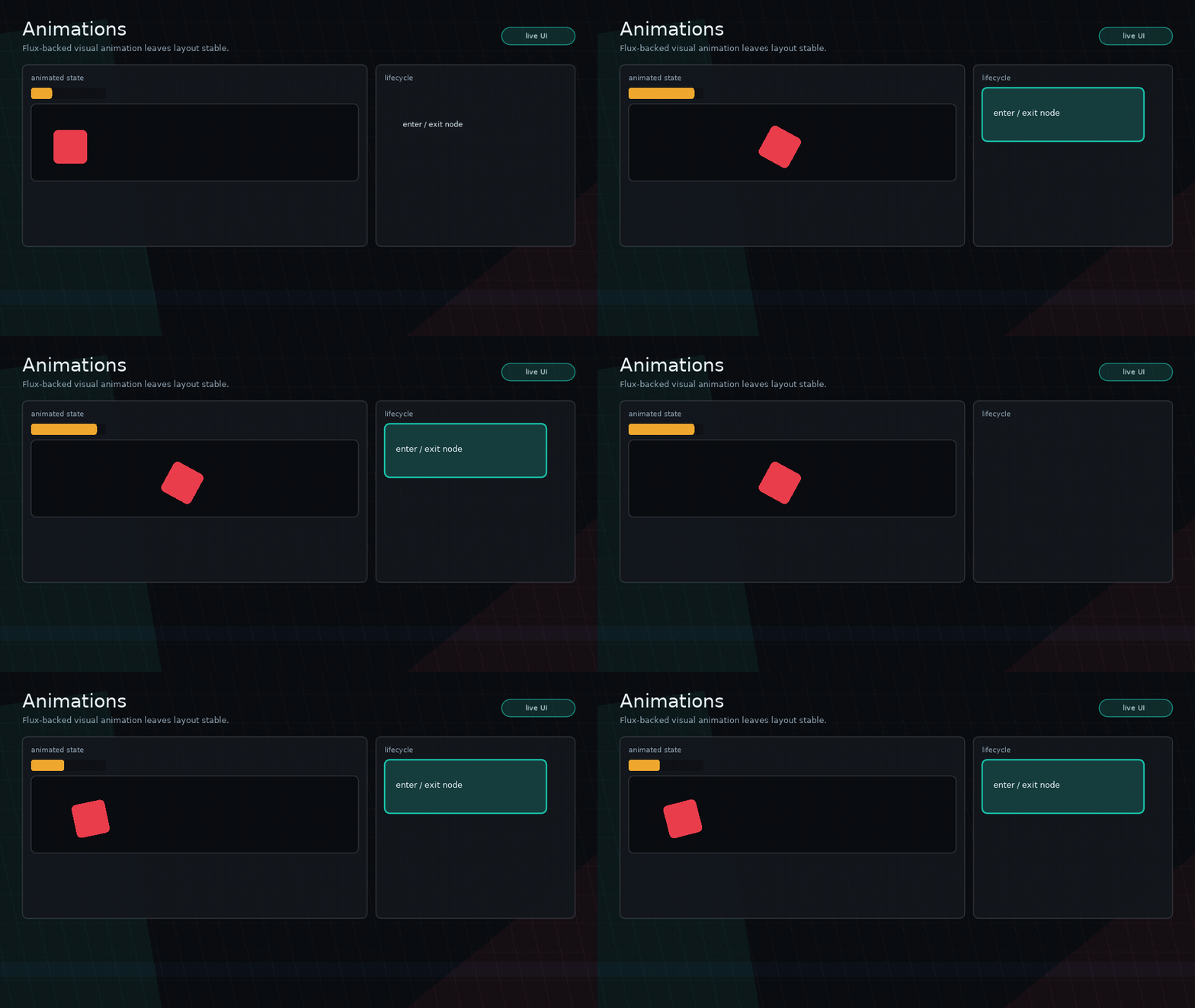
Flux-backed animation lab for declarative show/hide, animated meters, custom-drawn movement, selection feedback, and size tweens.
Audio Cues
Theme and variant driven interaction cue events with app-owned Love2D tone playback, per-node overrides, and silent controls.
Basic
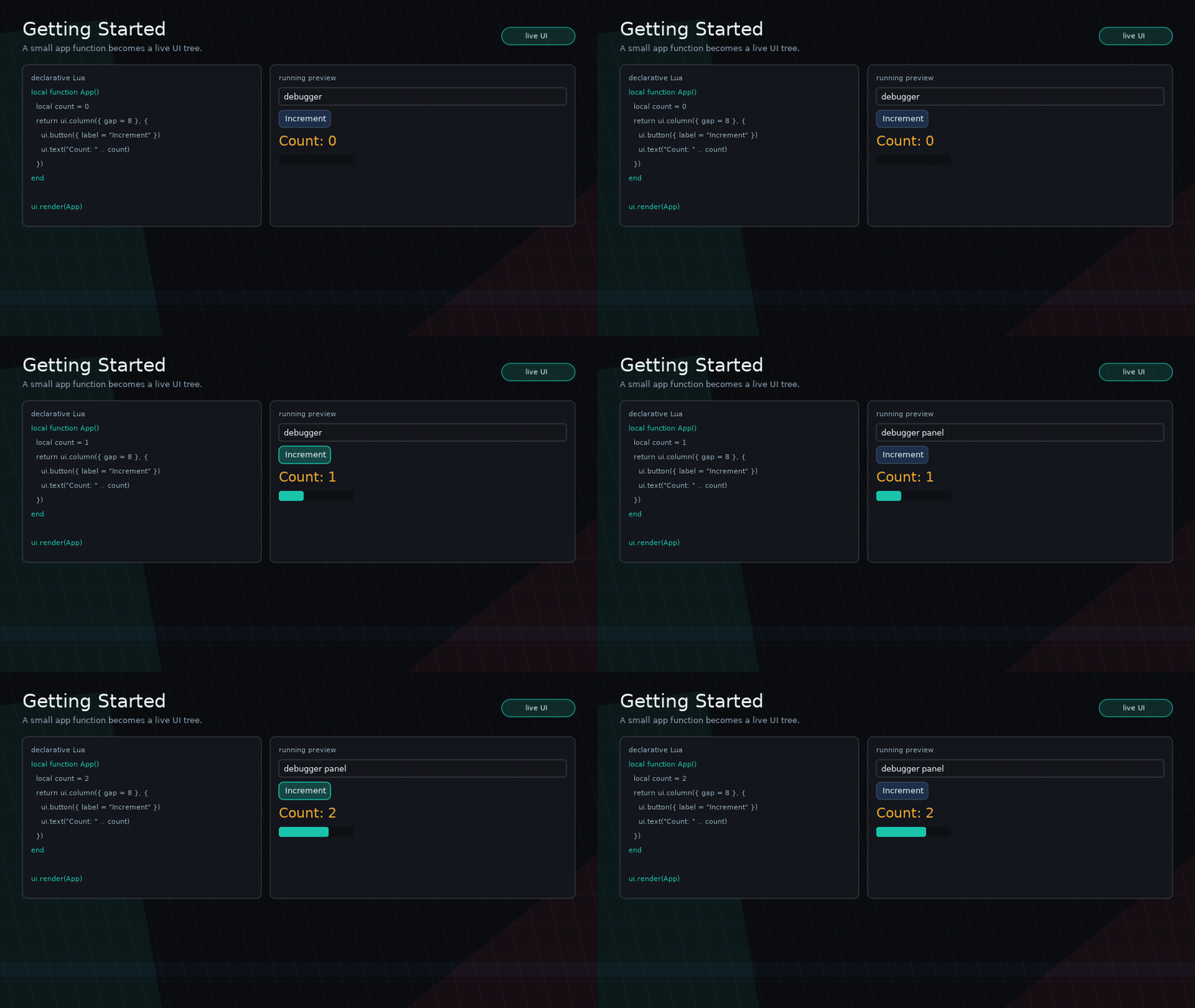
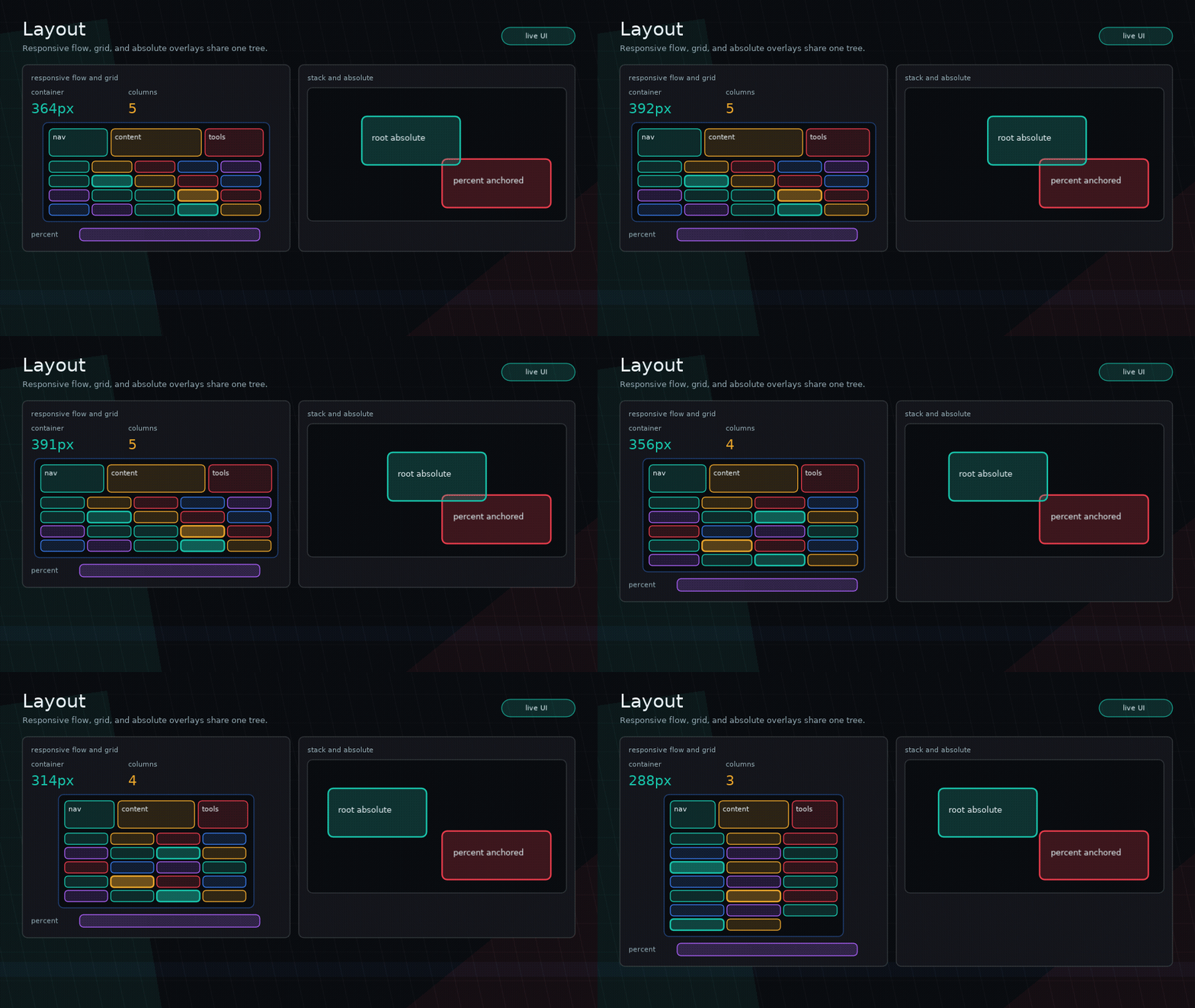
Starter app with state, responsive grid layout, buttons, controlled input, tabs, scrollable activity, meters, custom draw, and keyboard/gamepad navigation.
Dashboard
A dense shadcn-inspired dashboard translated into Glyph primitives. Useful for panels, metric cards, chart drawing, filters, tabs-style controls, and scrollable tables.
HUD Menu
Custom-drawn game UI with animated command buttons. This example demonstrates what belongs in app/example code rather than Glyph core.
HUD Primitives
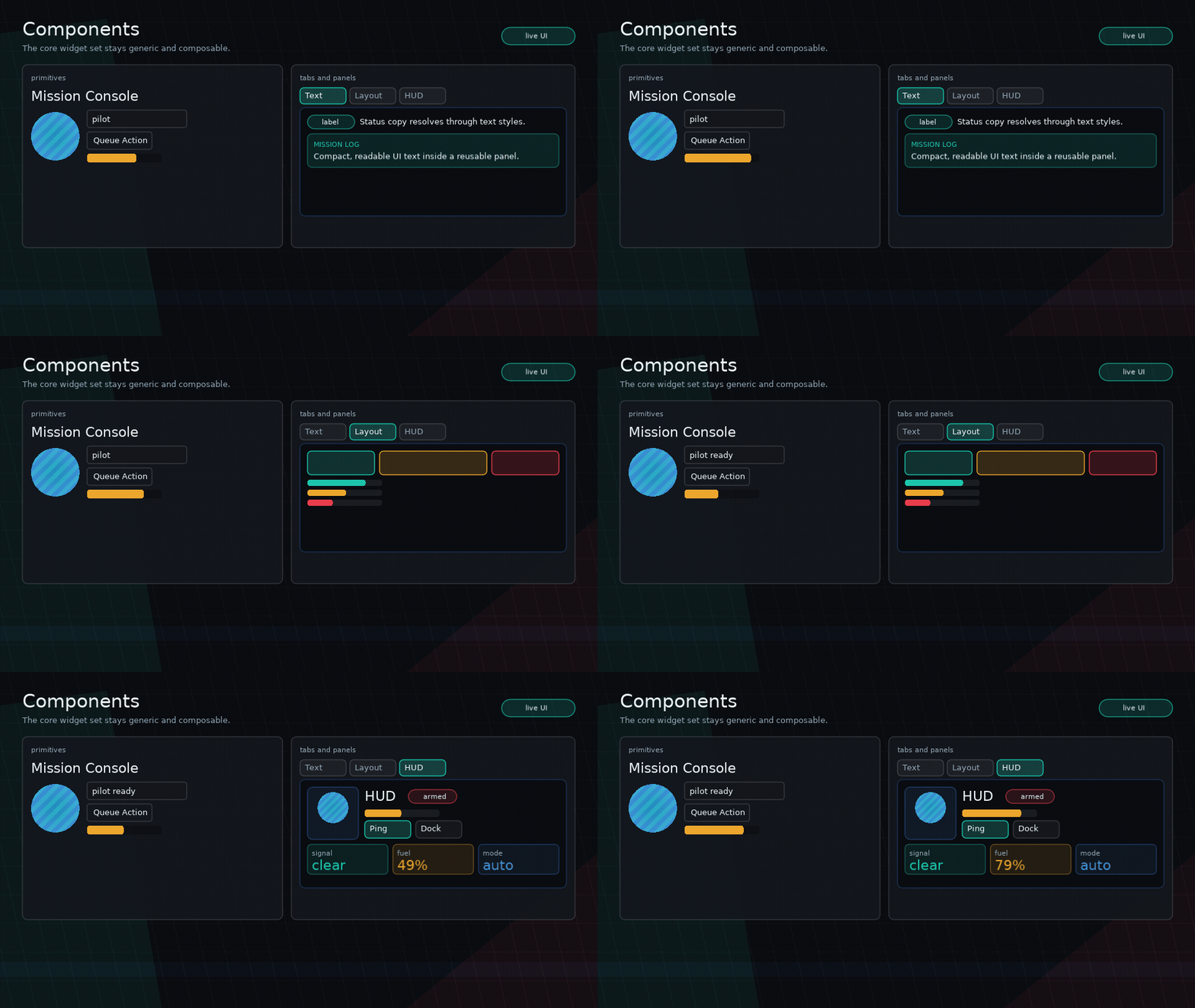
Native meters, filled sweep gauges with centered overlays, d-pad/card navigation, ui.image portraits, shape descriptors, visual clipping, stencil masks, and dynamic backgrounds for game HUDs without adding game-specific core widgets.
I18n
Responsive game-console localization demo with locale switching, keyed command/status UI, meters, tabs, fallback text, cached parameter translations, and ui.i18n.version() in memo deps.
Inventory
Medieval/MMO inventory demo using ui.grid, ui.grid.pointToCell, ui.portal, ui.spriteSheet, ui.drag, onLayout bounds, Feel-backed ui.feedback, keyboard/gamepad navigation with pick/place carry mode, the potions.png spritesheet, app-owned drag/drop state, scrollable uniform slots, paged uniform slots, and a variable-size case grid with rejected invalid placements.
Juice
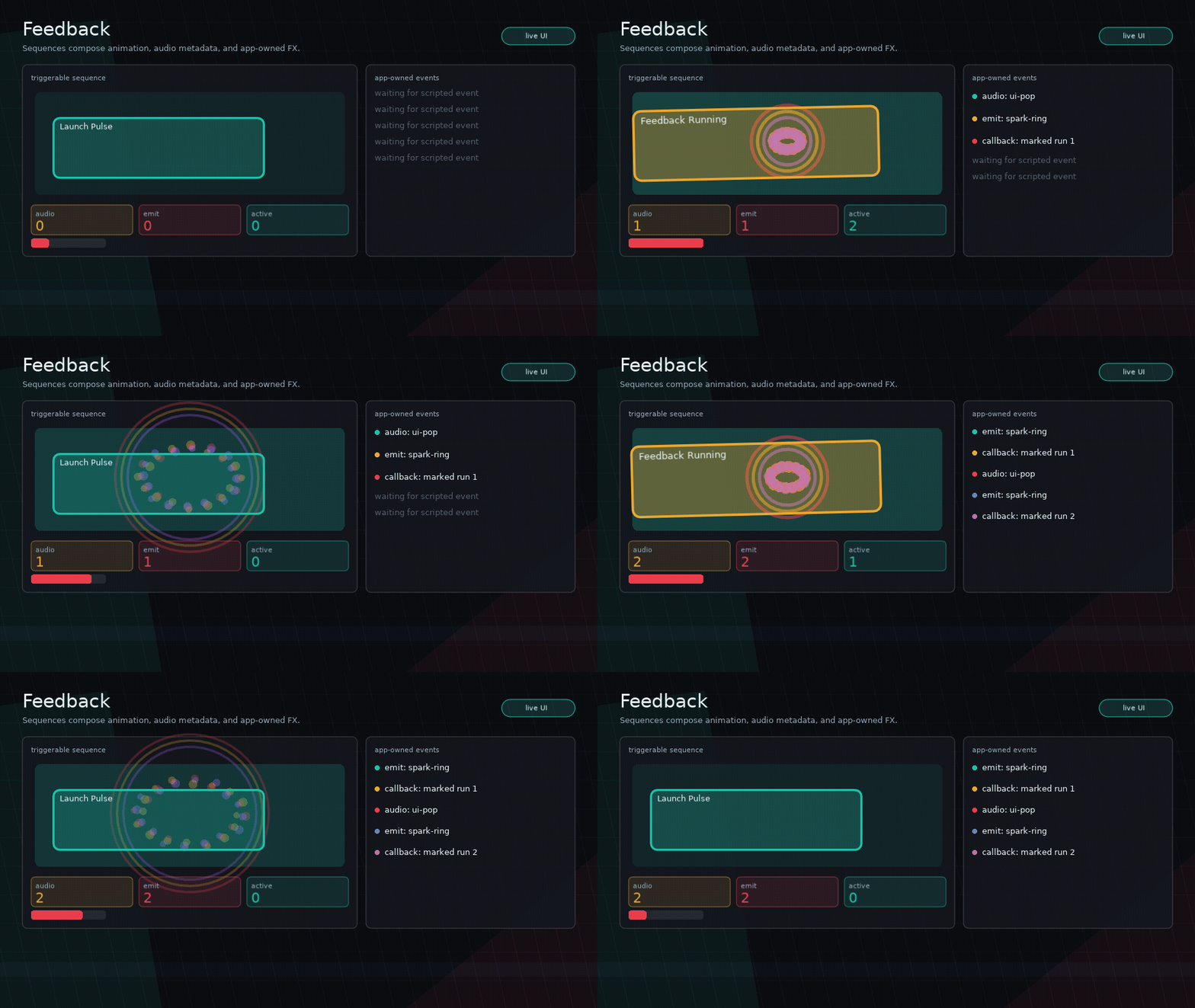
Pattern-repeat mini game built from normal Glyph buttons, with press/release/activate feedback, click-position particles, ripples, screen shake, generated audio tones, keyboard and d-pad navigation, progress meters, and a scoped pause menu.
Menori
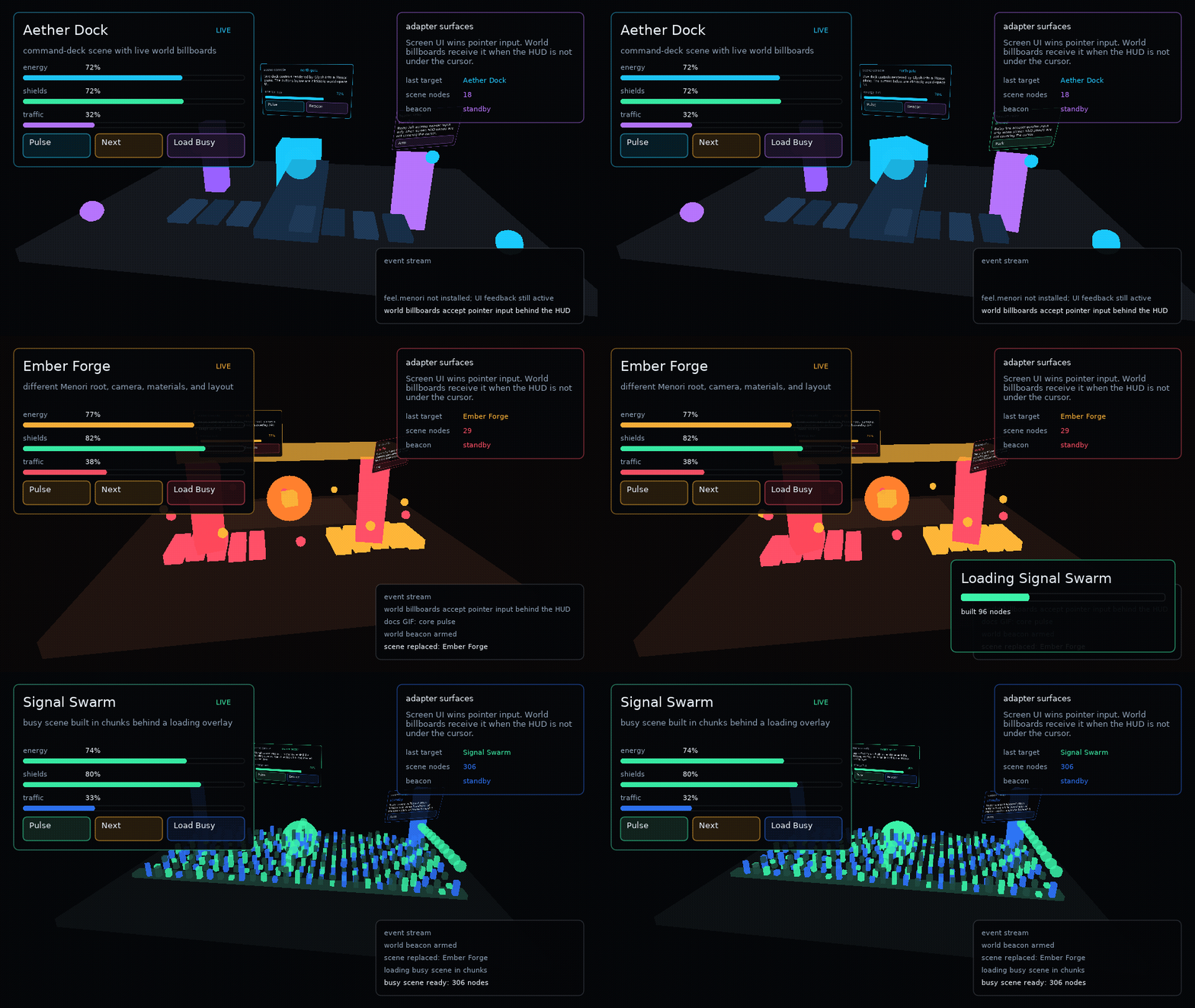
Optional Menori adapter demo with a vendored example-local Menori snapshot, distinct procedural Menori scenes, screen-space Glyph HUD, Menori-aware crossfade transitions, interactive world-space Glyph billboards, and a loading overlay that builds a dense "Signal Swarm" scene in chunks before handing off.
Navigate
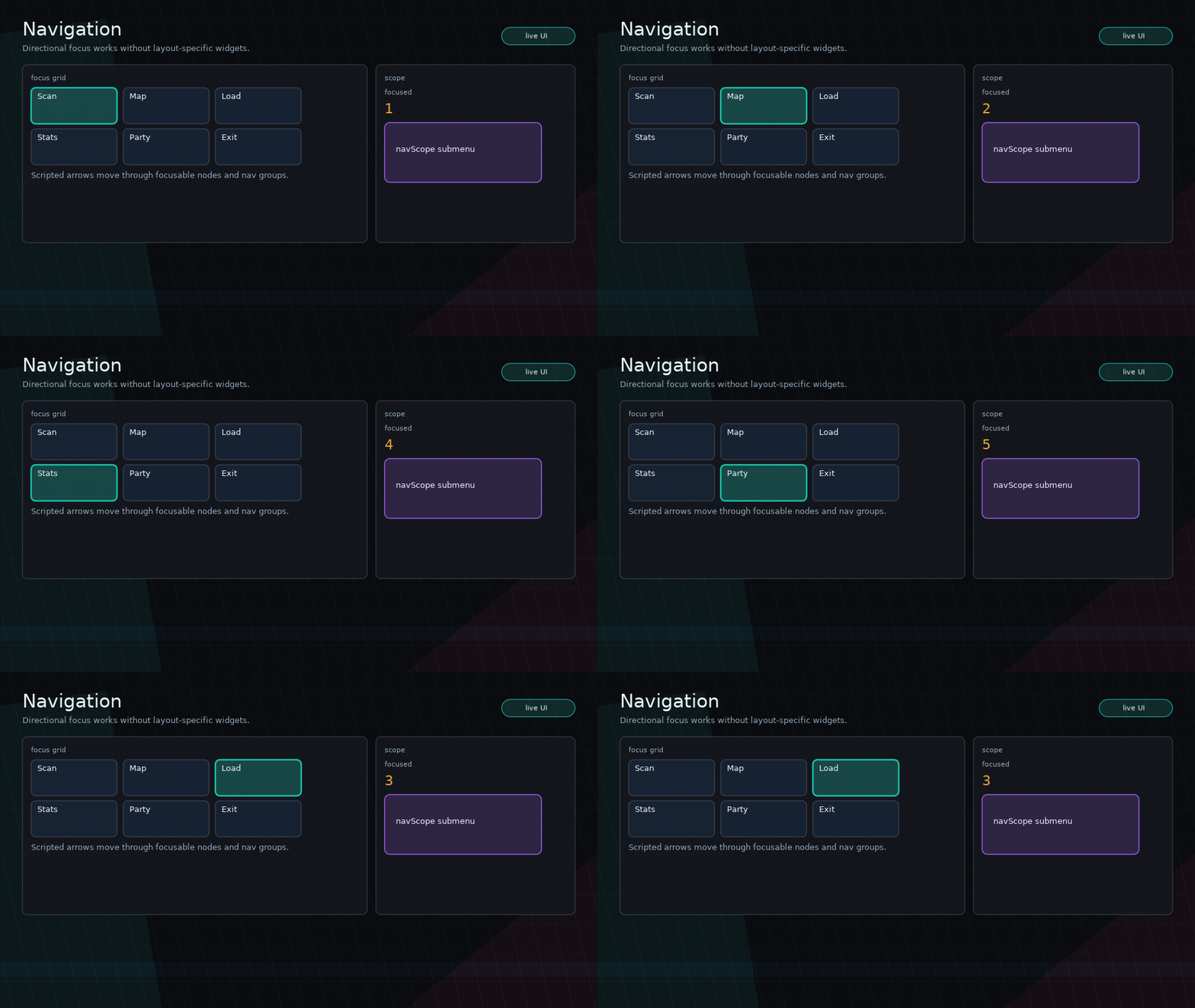
Arrow key and d-pad spatial navigation across a denser game-tool layout. Demonstrates
ui.navigate, beam-aware movement, navGroup scoping, trapped navScope submenus, focus
visibility, gamepad d-pad forwarding, and shader-backed JRPG command submenus.
Path Feedback
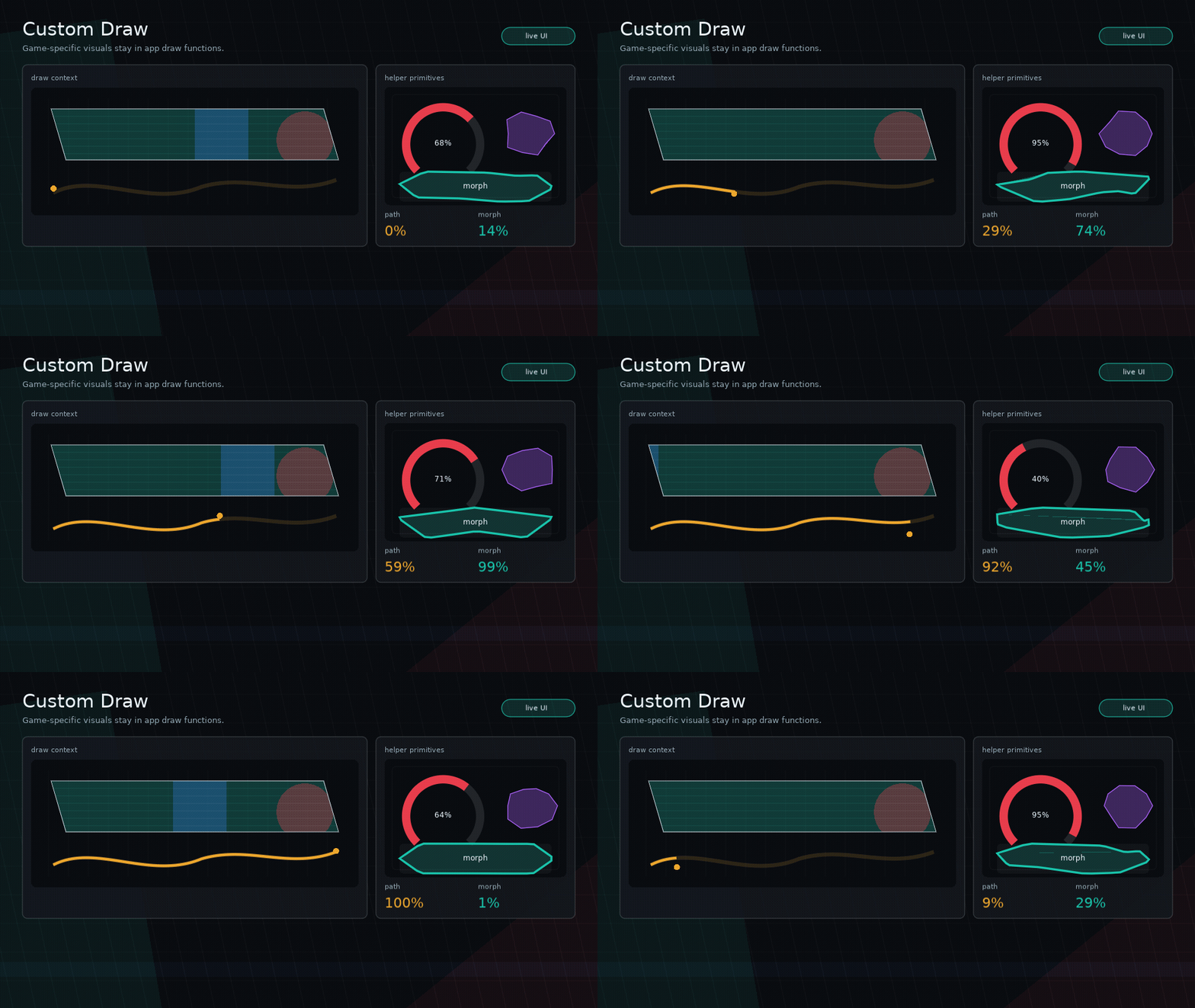
Feel-driven vector path demo with app-owned target values animating ui.path
stroke reveal, resampled morphing, pulse rings, scan beams, particles, and
node-level command feedback.
Modal
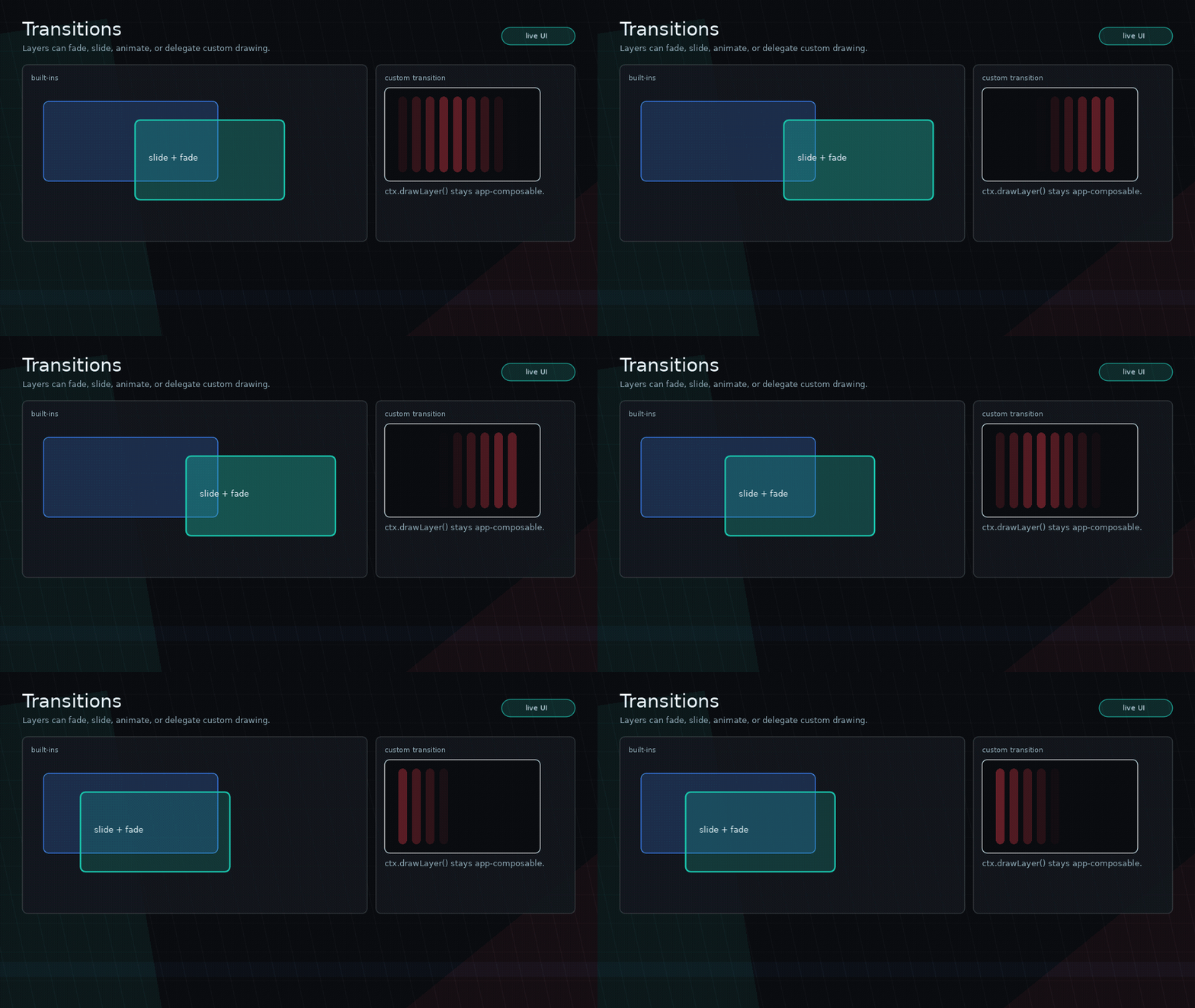
Scene-backed modals, moving background, shader transitions, stencil/blob transition implemented outside core, isolated modal hook state, and backdrop dismissal.
Scene
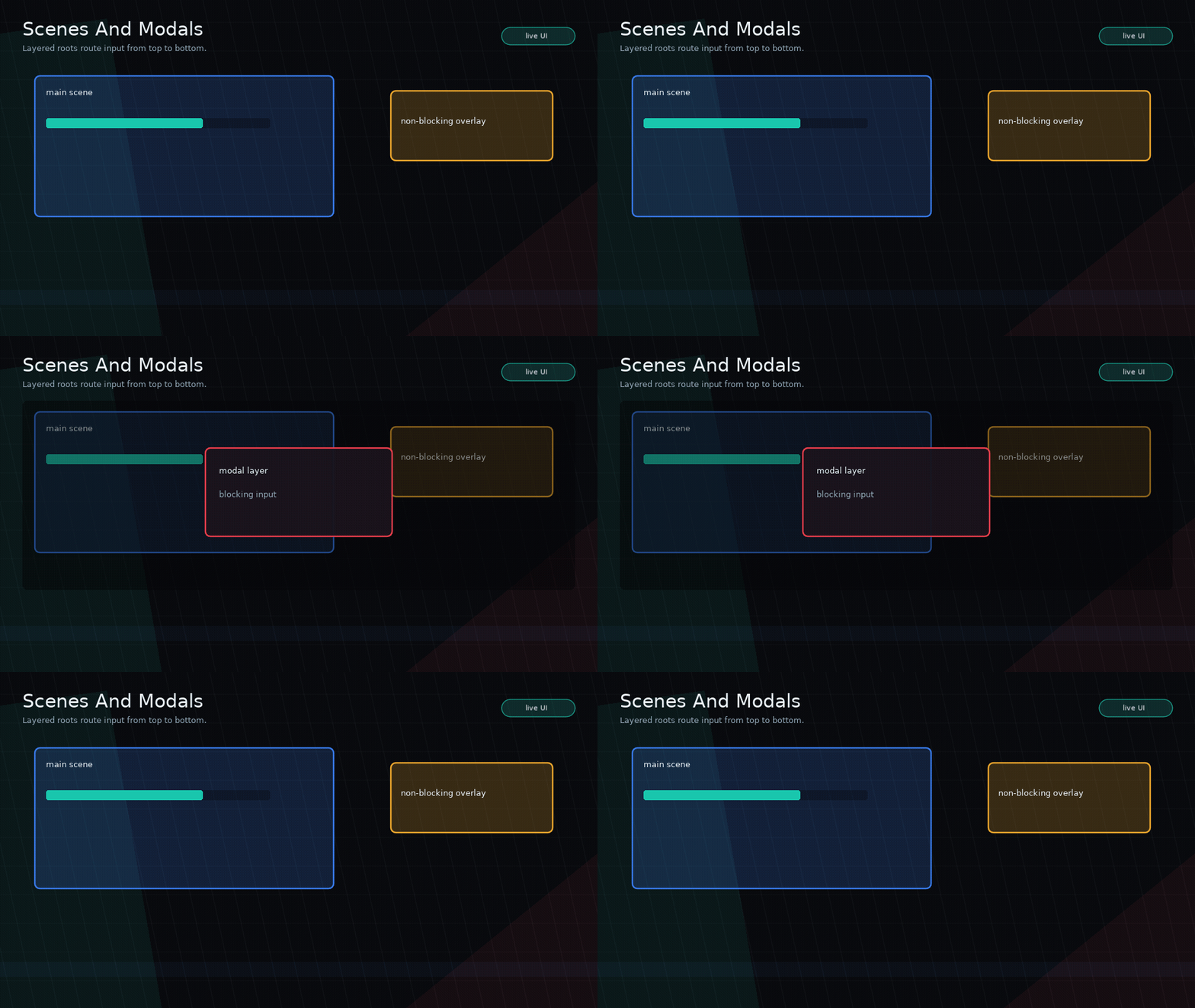
Scene replacement, non-blocking debug overlays, blocking pause modal, modal-driven pause behavior, and scene-local motion.
Styles
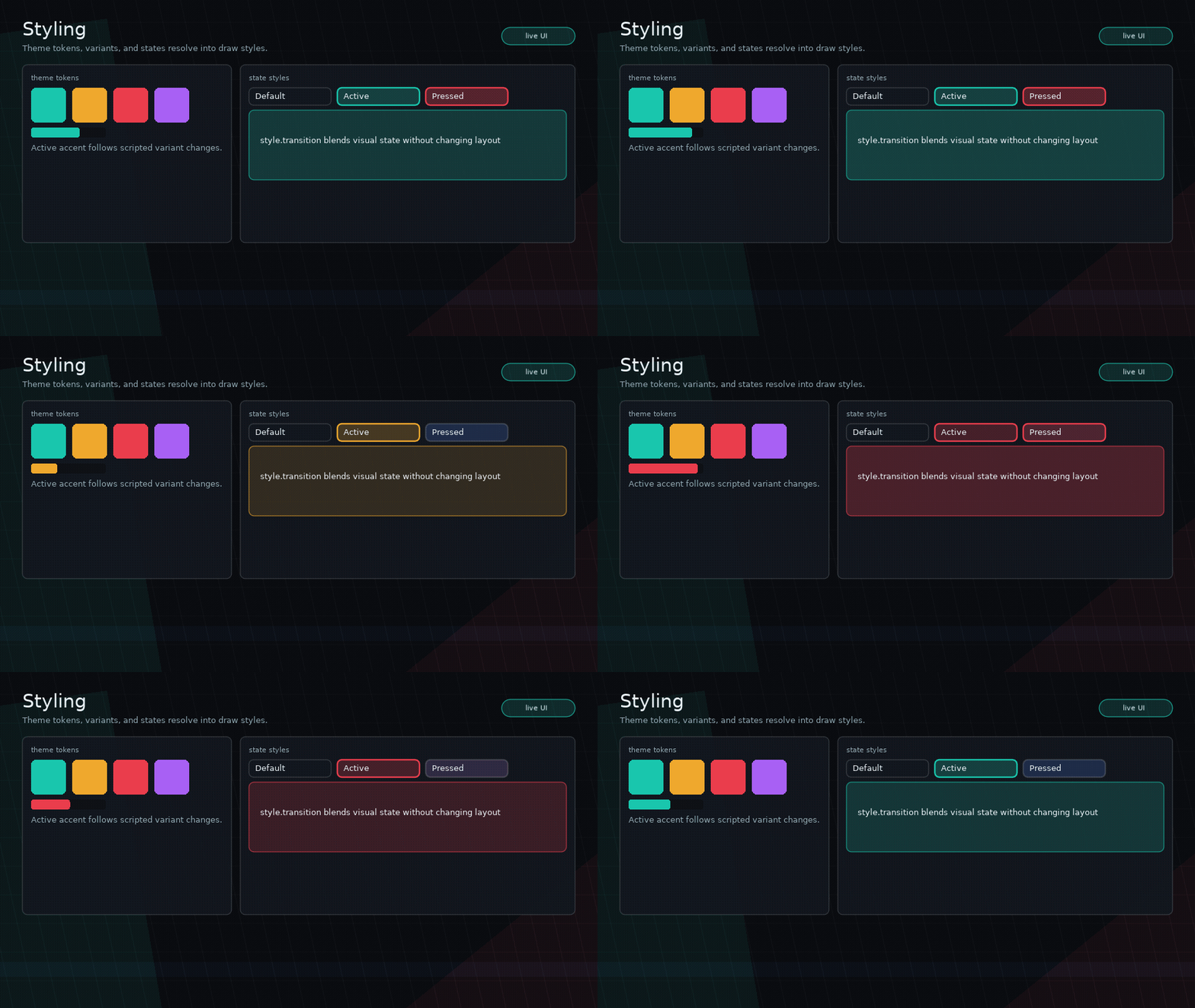
Theme switching, variants, state styles, transitions, custom draw, and shader-backed styling.
Themes
A full-screen game-tool HUD showing four theme presets, live radius/border/density/accent token controls, component variants, inputs, tabs, meters, and themed scrollbars.
Typography
Responsive typography lab showing theme font registries, text presets, live text scale, optional SYSL-backed rich text, localized formatted copy, and normal components using typography tokens.
Viewport
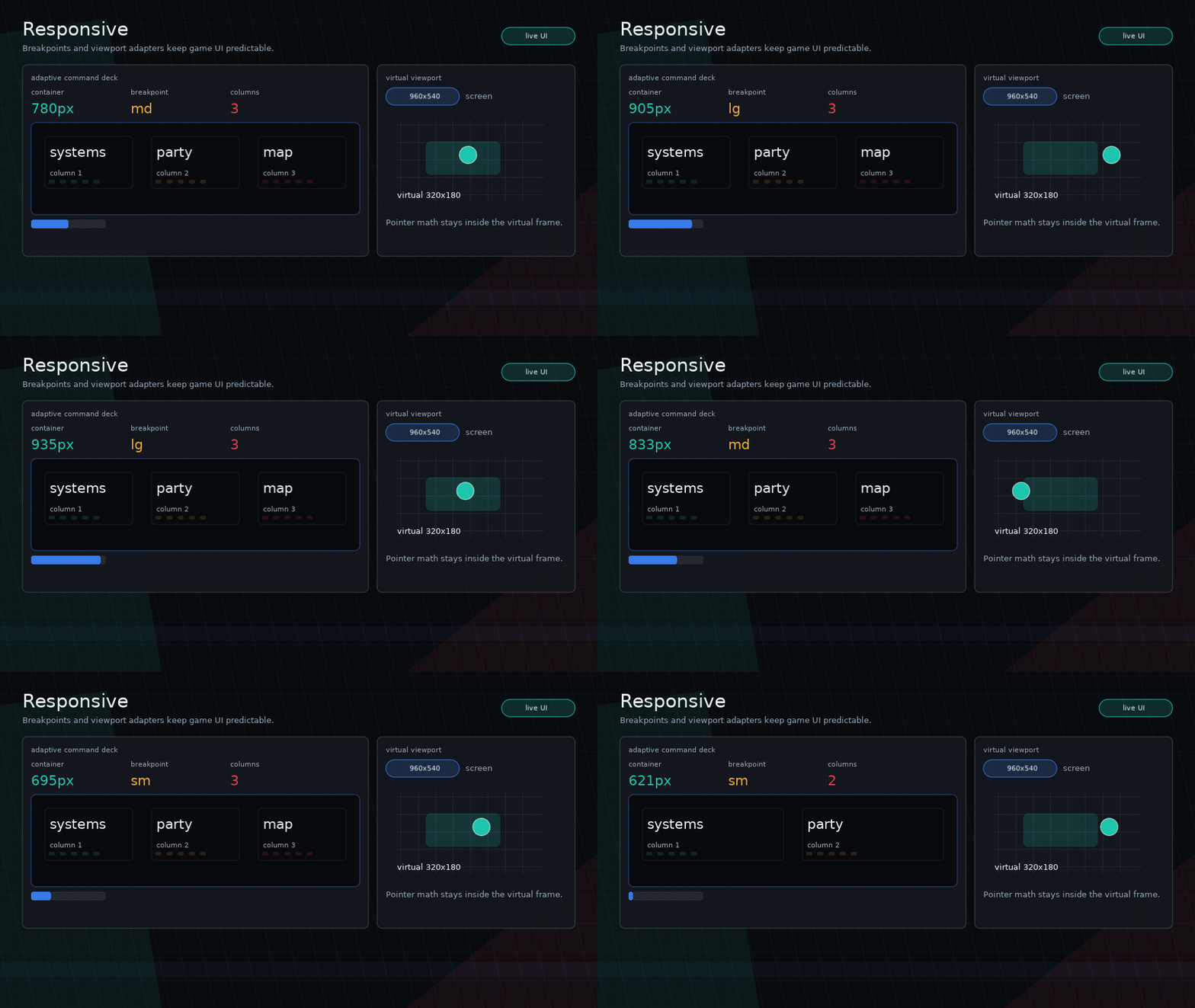
Fixed virtual-resolution rendering with backend-agnostic Push/Shove adapters, scaled pointer input, fit/filter controls, scrolling, and modal rendering.
This demo uses development copies of Push and Shove from dev/vendor; Glyph apps should install or provide their own viewport backend.
Performance
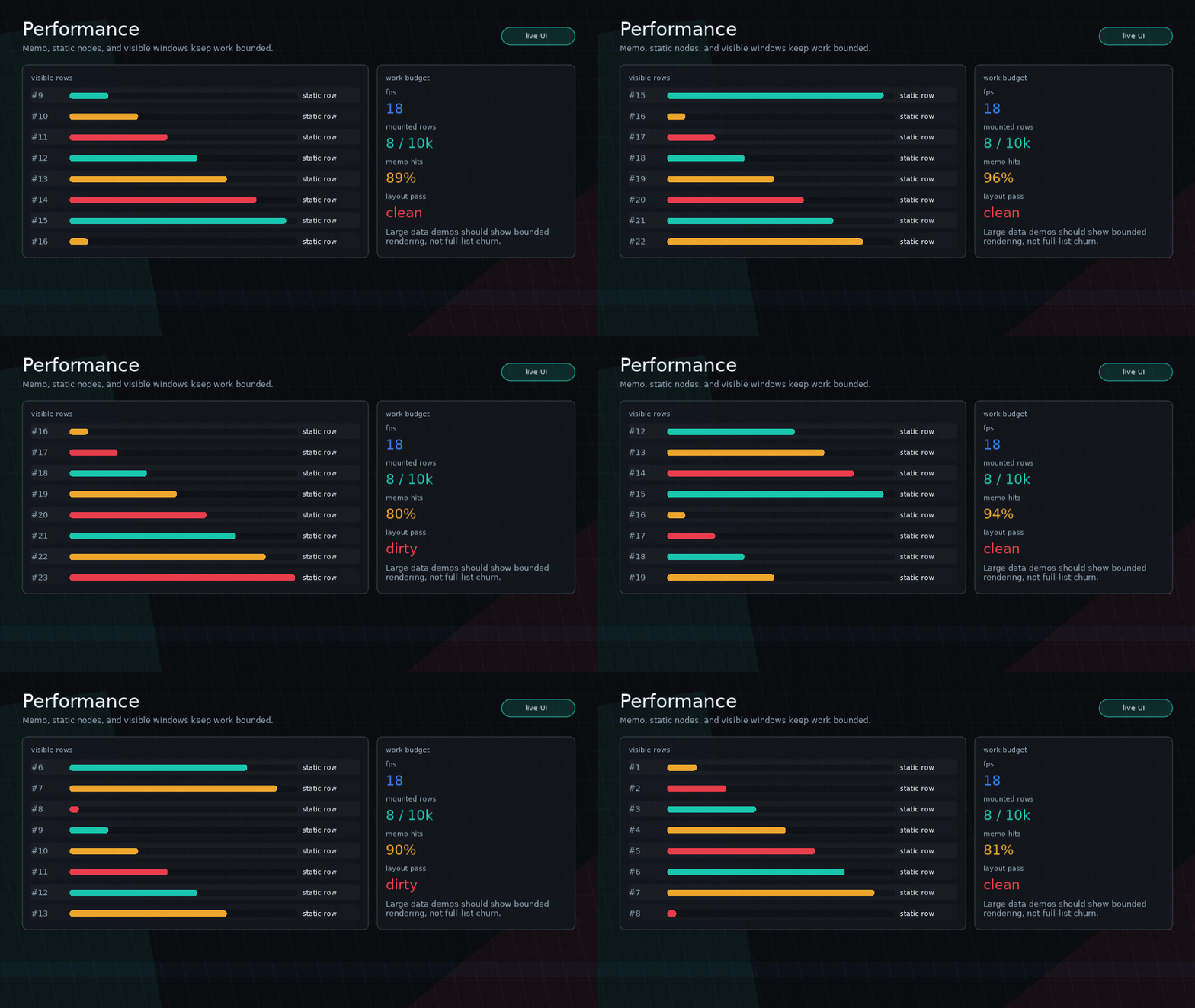
Large dataset workflow with a visible window of mounted rows, static row reuse, and live FPS/timing display. The docs preview is fixed at 18 FPS for deterministic GIF capture; the runnable example reports real Love2D FPS.
Feature GIF Gallery
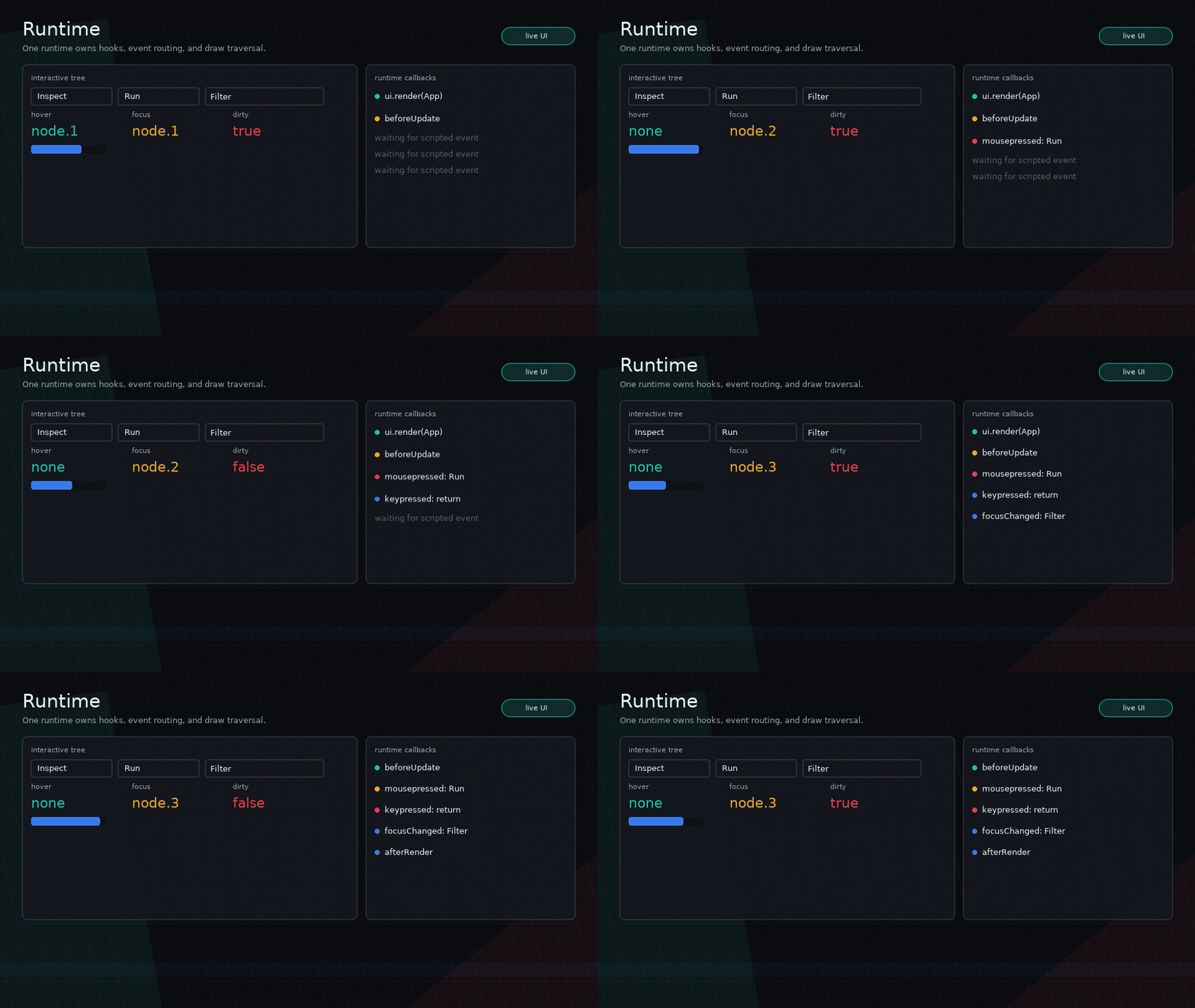
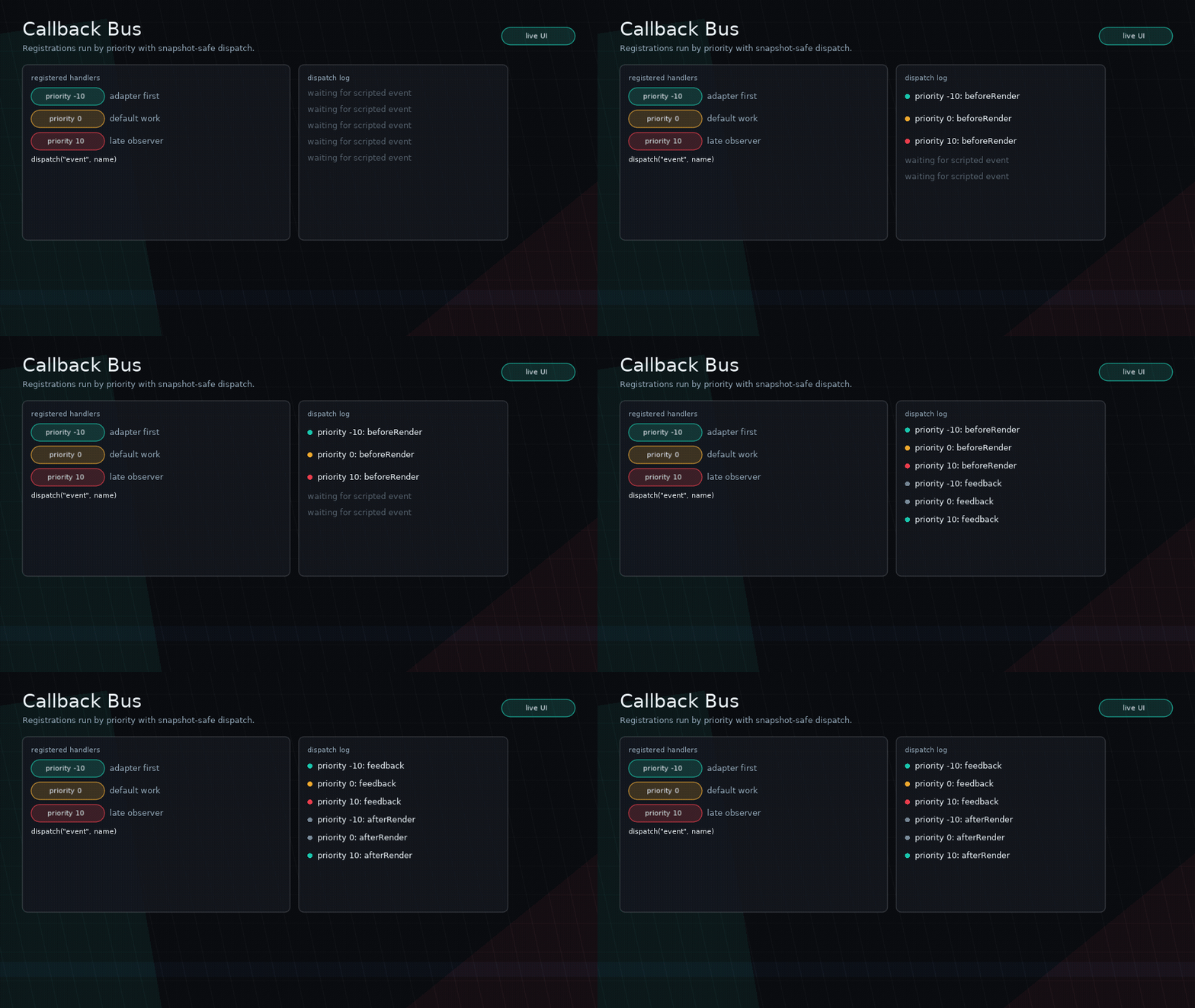
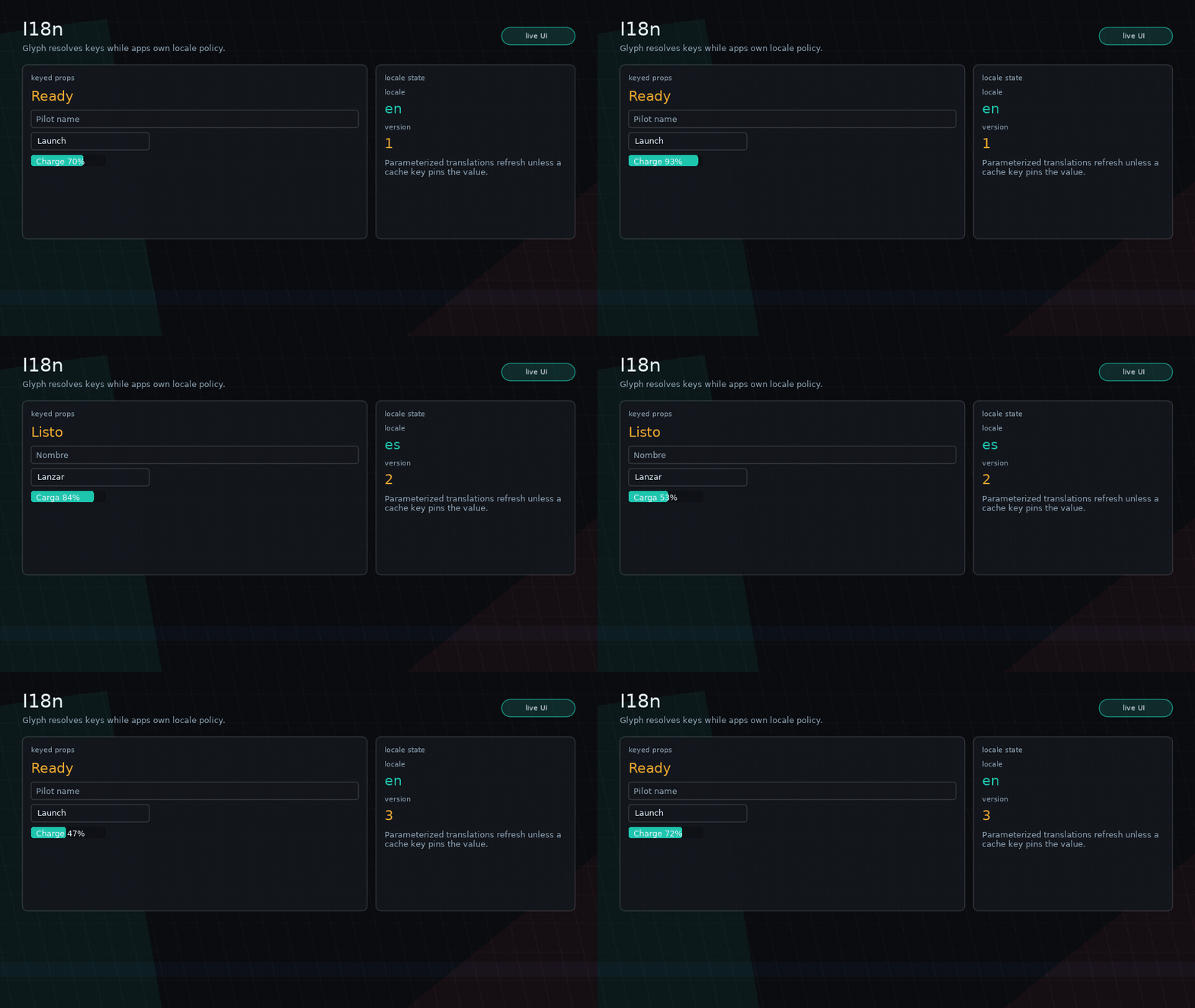
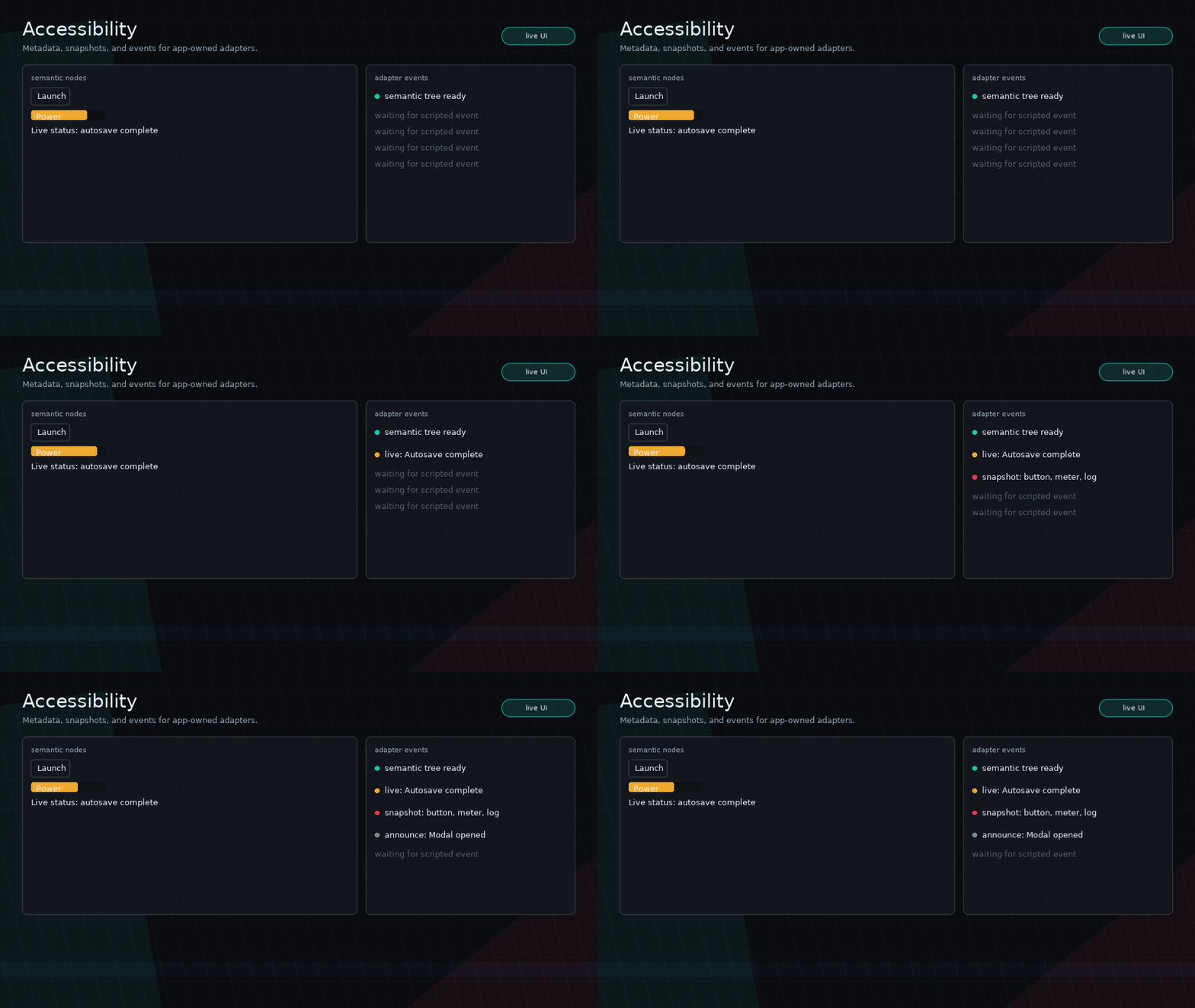
Example Standards
Examples should show real UI workflows:
- Prefer usable screens over landing pages.
- Use Glyph primitives honestly.
- Keep game-specific visuals in examples, not core.
- Make interaction states visible.
- Keep examples runnable with
love examples/name.