Animations
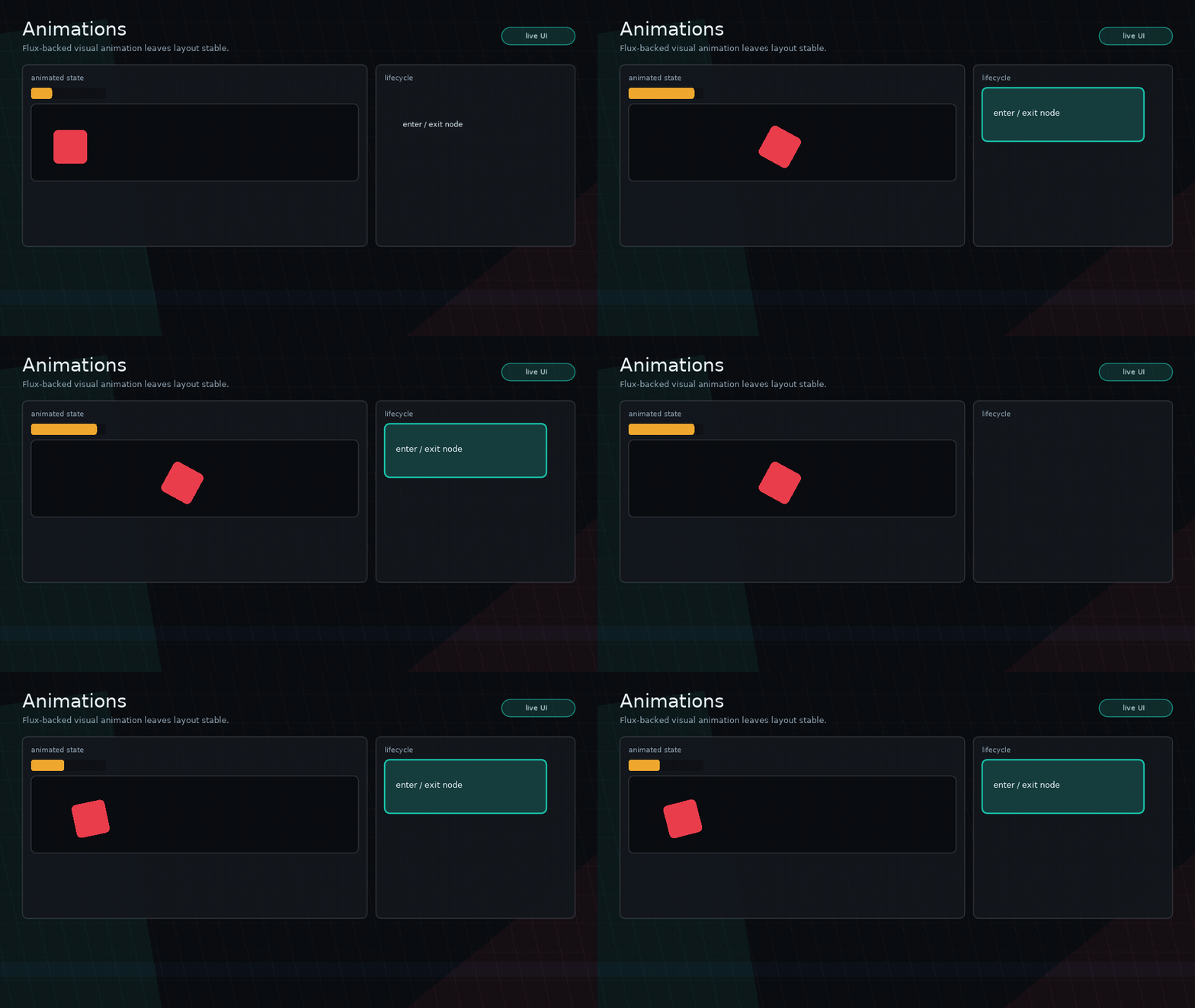
Glyph includes a small first-class animation layer powered by a vendored copy
of rxi/flux. Animations are visual-only: layout, hit testing, focus, and
navigation still use the node's normal bounds.
Node Enter And Exit
Use enter and exit on any node:
ui.box({
  key = "details-panel",
  width = 260,
  height = 120,
  enter = {
    duration = 0.22,
    ease = "backout",
    from = { opacity = 0, y = 18, scale = 0.94 },
    to = { opacity = 1, y = 0, scale = 1 },
  },
  exit = {
    duration = 0.16,
    ease = "quadin",
    to = { opacity = 0, y = -12, scale = 0.96 },
  },
  style = {
    background = ui.theme.surfaceColor,
  },
})
Use key for animated nodes in conditional views or lists. Without key,
Glyph falls back to the node path, which is best for static trees.
Supported visual fields:
opacityx,yscale,scaleX,scaleYrotation
Animation API
Most apps can use declarative enter and exit, but ui.animation.to is
available when custom state needs a flux tween:
local subject = { value = 0 }

ui.animation.to(subject, 0.25, { value = 1 }, {
  ease = "quadout",
  onUpdate = function(current)
    print(current.value)
  end,
})
ui.update(dt) updates animations automatically.
The focused examples/animations demo shows this API driving meters, custom
draw movement, selection feedback, and size changes.
Layer Transitions
Scenes and modals can use the same animation spec shape:
ui.modal.open("details", DetailsPanel, {
  transition = ui.transitions.animate({
    enter = {
      duration = 0.22,
      from = { opacity = 0, y = 30, scale = 0.96 },
      to = { opacity = 1, y = 0, scale = 1 },
    },
    exit = {
      duration = 0.14,
      to = { opacity = 0, y = 20, scale = 0.98 },
    },
  }),
})
Note
Layer animation opacity follows the same limitations as other transition helpers: custom draw code can still set its own colors. For precise whole-layer alpha composition, draw the layer through a canvas in a custom transition.