Performance
Note
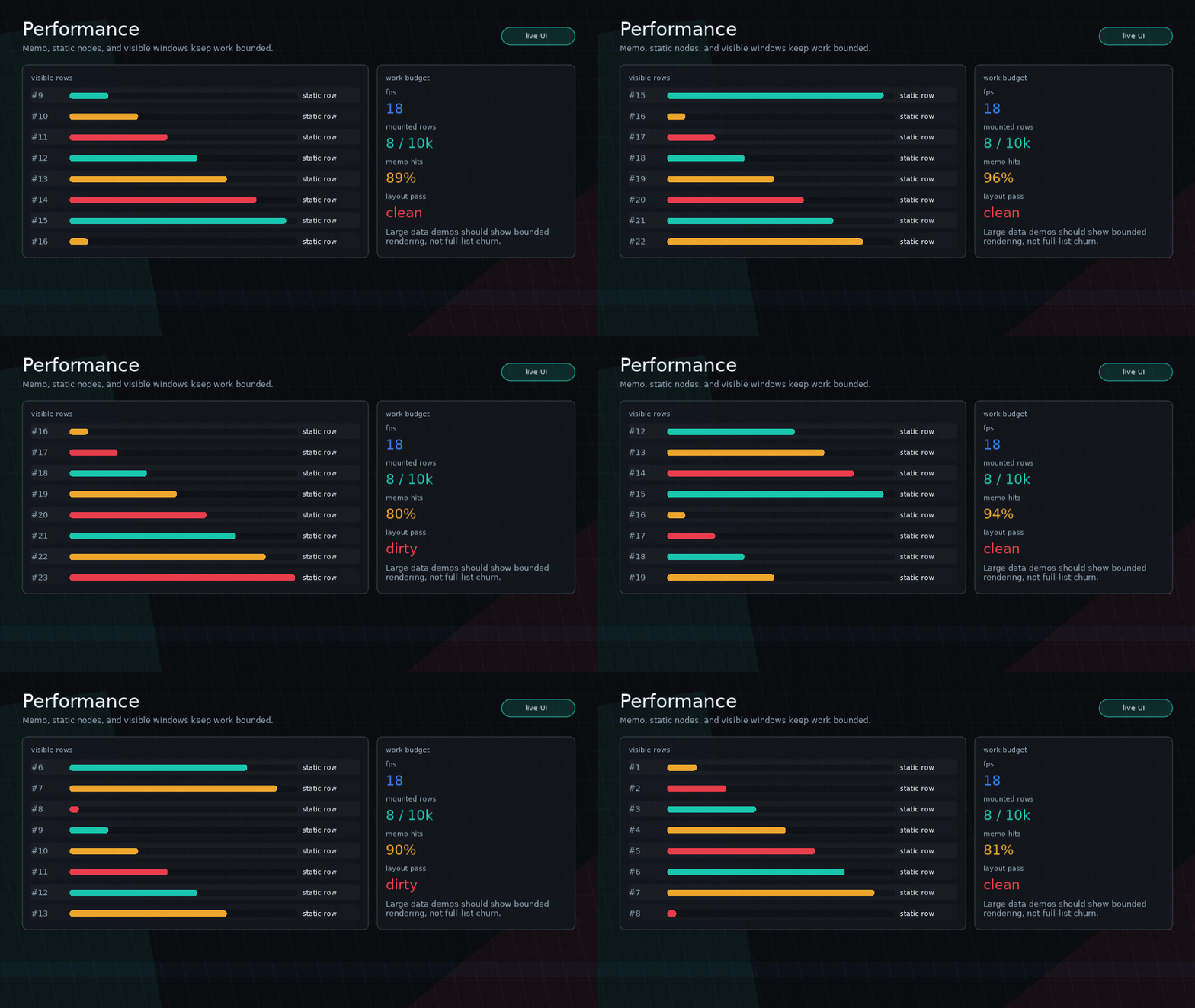
The docs GIF is captured at a fixed 18 FPS for deterministic encoding. The
runnable examples/performance demo reports the live Love2D FPS on your machine.
Glyph is intended for debugger panels and game UI, so performance matters.
Principles
- Keep layout explicit and cheap.
- Avoid CSS-like selectors, global queries, string parsing, or cascading ancestry scans.
- Keep static UI static.
- Mount only what needs to be visible for large lists.
- Prefer primitives that compose over specialized components.
Typography
Theme font specs are loaded lazily and cached by resolved size. Prefer named
fonts and textStyle presets over creating Love2D fonts inside component
functions.
SYSL-backed rich text is opt-in. Use plain ui.text for hot-path labels, and
reserve ui.richText for copy that actually needs rich formatting, images,
effects, or dialogue-style behavior.
Memo
Use ui.memo(component, deps) to reuse a subtree when dependencies are unchanged.
Static Nodes
Use ui.static(node) for stable labels, icons, or repeated rows that do not need rebuild/layout churn.
Images
Load Love2D image assets once in app setup, then pass the image object to
ui.image. Glyph caches the derived fit/alignment plan for each image node, but
it does not own filesystem loading or asset lifetime.
local icon = love.graphics.newImage("assets/icon.png")
local iconNode = ui.static(ui.image({ source = icon, width = 32, height = 32 }))
For repeated inventory cells or portraits, combine reused image objects with
ui.memo or ui.static. Use custom draw only when a single image draw is not
enough for the effect.
I18n
Glyph caches translations that are safe to reuse. Plain keys are cached until
ui.i18n.invalidate() or ui.i18n.setLocale(locale).
Parameterized translations are translated fresh unless you provide a stable cache key:
ui.textKey("messages", {
  textParams = { count = count },
  textCacheKey = "messages:" .. tostring(count),
})
For memoized translated subtrees, include ui.i18n.version() in the deps so
locale changes rebuild the cached nodes:
Large Lists
For large log/table views:
- Keep the dataset outside the UI tree.
- Mount a visible window of rows.
- Reuse stable row components where possible.
- Use
scrollViewbounds and scroll offsets to clamp work. - Show coarse live counters such as FPS, render time, layout passes, and mounted row counts so performance examples explain their budget at a glance.
See examples/performance.
Scenes And Layers
Scene layers keep isolated hook scopes and cached roots. Use layers for overlays and modals instead of rebuilding unrelated UI inside the main tree.
Custom Draw
Custom draw runs every render. Avoid hot-path allocation when possible:
- Reuse tables for repeated geometry when practical.
- Avoid building huge arrays every frame.
- Keep shader/state changes localized.
- Mark decorative overlays
interactive = falseto keep hit testing clean.